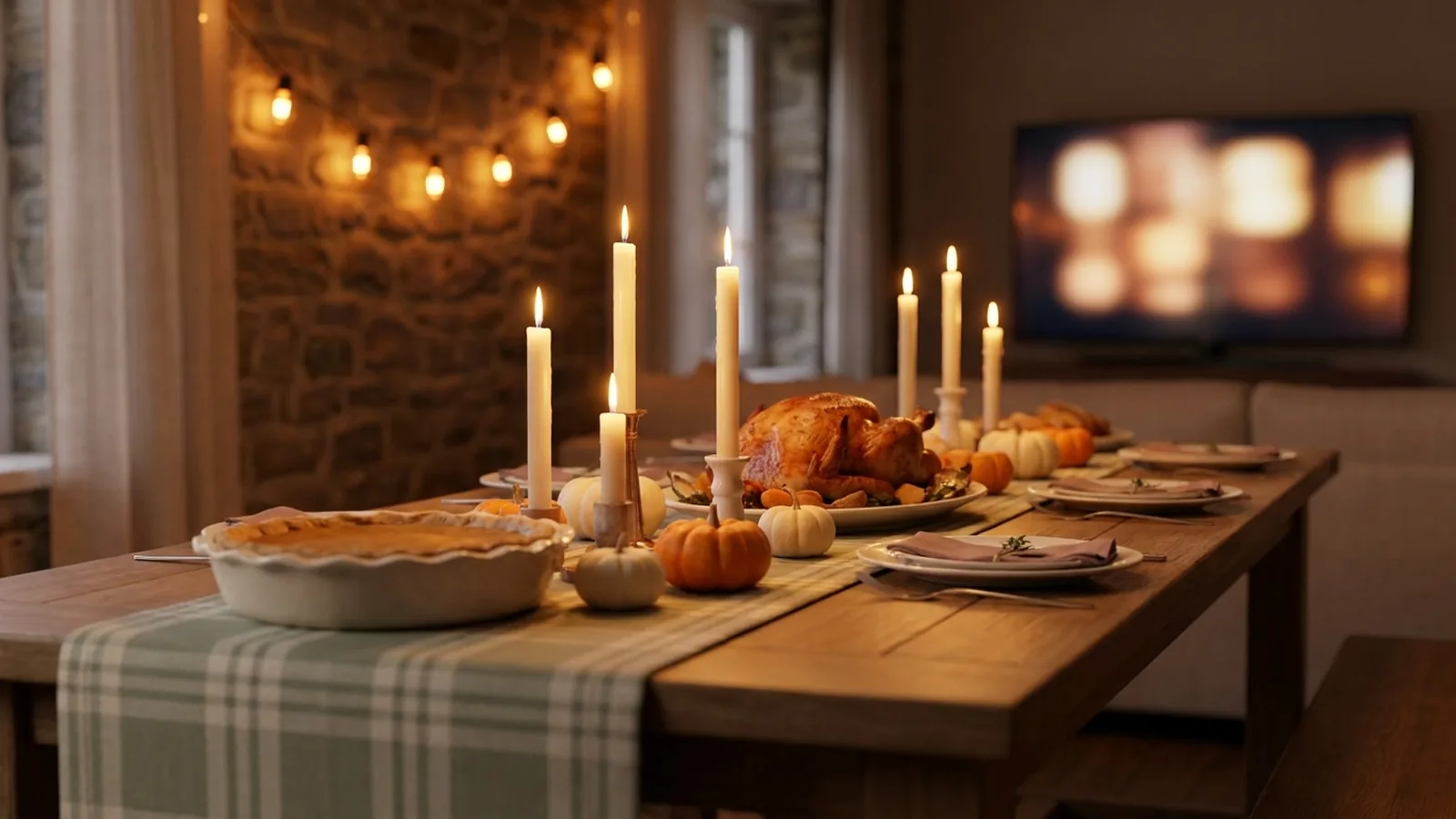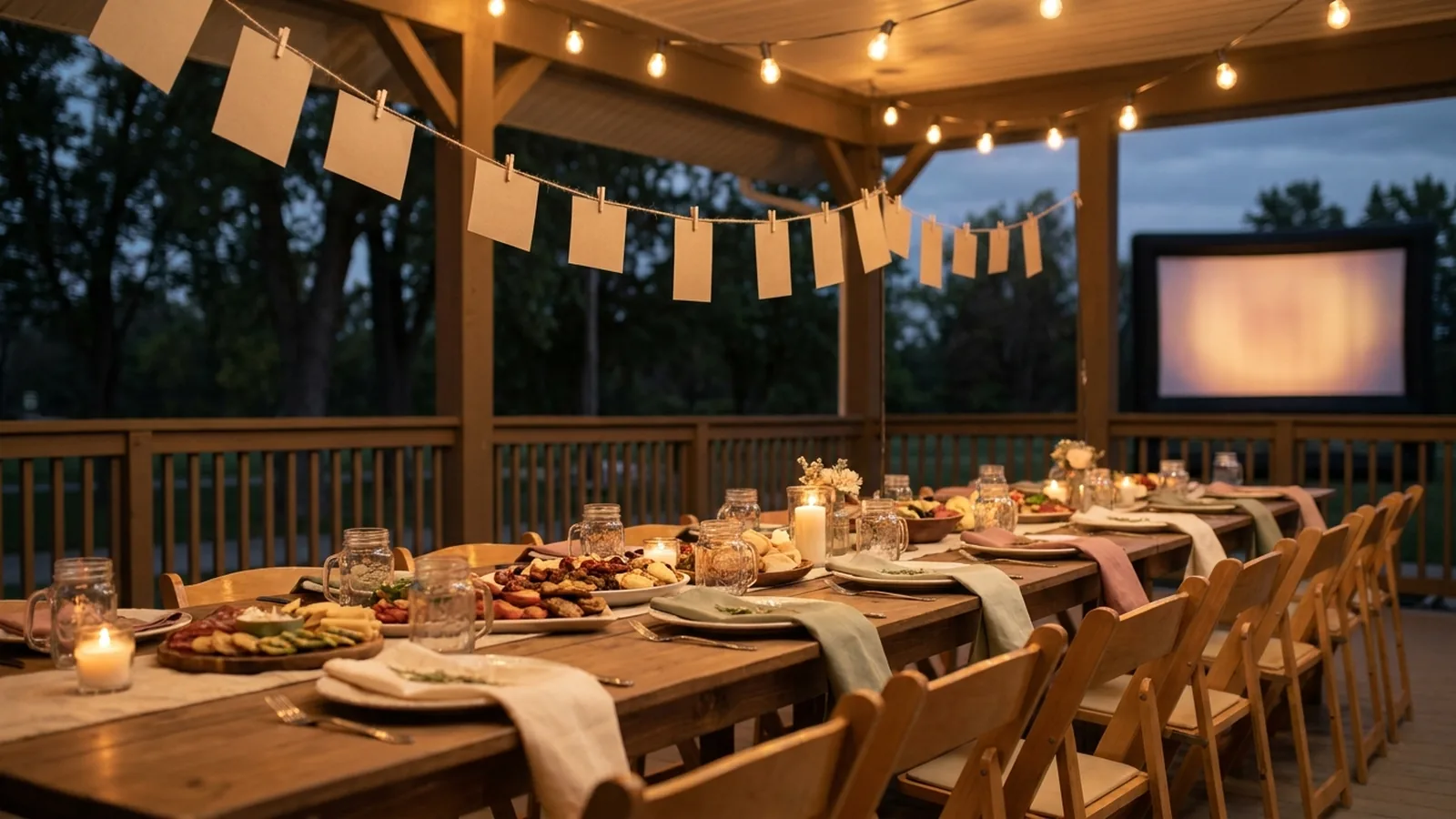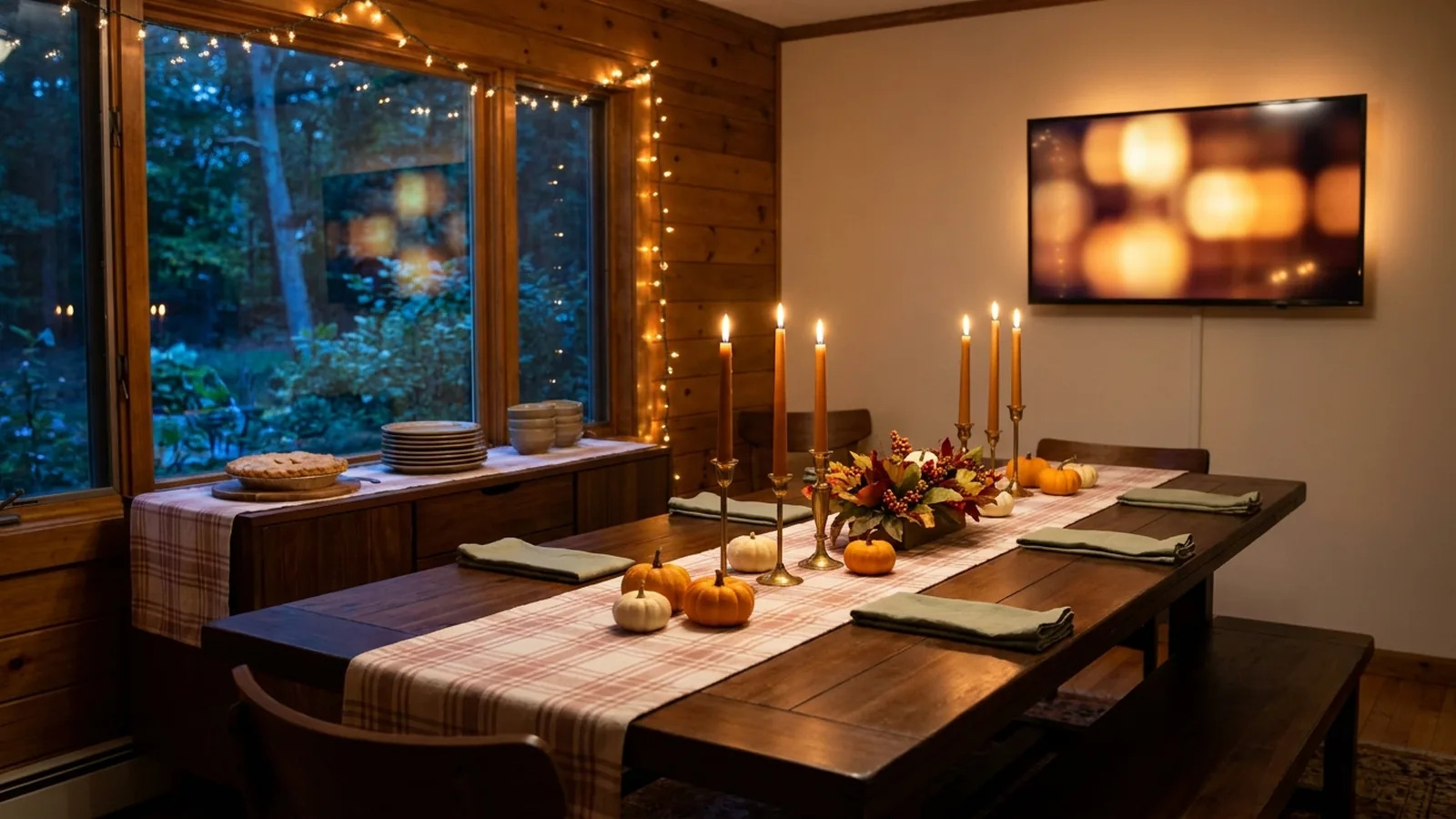
Thanksgiving is the one holiday that puts four generations in one room, points the biggest screen in the house at football, and leaves the family's actual photos scattered across the worst possible places — a shoebox in the hall closet, a group chat nobody has opened since July, and a dozen camera rolls that never leave their owners' phones. A Thanksgiving slideshow gives the TV a better job for the day. The ideas below are ordered the way the day actually plays: some run before anyone sits down, some need a scanner's worth of old prints, and one of them collects whatever everyone shoots between the parade and the pie.
Build this year's Thanksgiving slideshow around ten ideas: a heritage reel of scanned family prints, a year-in-review opener from the group chat, a gratitude round with photos, then-and-now pairs, recipe cards beside the dishes they wrote, the grandkids' year, ask-your-elder prompts, the house across the decades, a tribute to the chairs that are empty this year, and a live reel that collects whatever everyone shoots today. A printed QR code and the TV handle the collecting.
Continue with 12 Friendsgiving Photoshoot Ideas Worth Passing Around or Family Reunion Slideshow Ideas or Celebration of Life Photo Display Ideas.
Why Thanksgiving is the one holiday a slideshow was made for
Every holiday has people who photograph it, but Thanksgiving is the only one where the audience and the photographers are the same room for four straight hours. The meal is long on purpose. The TV is already the center of the living room. And unlike a birthday, the guest of honor is everyone — which means the photos that land hardest are not of one person, but of the family itself: the print from 1974, the porch in 1998, the cousins who drove in from two states away this morning.
That is also why most Thanksgiving slideshows fail. Someone spends Wednesday night editing a polished template video, plays it to polite nods, and the photos on everyone else's phones — the majority of the day, again — never make it anywhere. The ideas below split the difference: a short prepared reel that honors the family's history, and a live reel that collects the day as it happens, so the screen is still showing new photos when the pie comes out.
The 10 Thanksgiving slideshow ideas
You do not need all ten. Pick three or four — one from before dinner, one during, and the live reel — and you have a screen that earns its spot in the room.
1. The heritage reel
Scan the shoebox: the wedding portrait, the farm, the station wagon, the relatives the kids only know as names in grace. Order the prints oldest first and let each photo hold the screen for five or six seconds. This is the idea grandparents thank you for — and the only one that has to be prepared in advance, because nobody can scan a 1962 print during the parade.
2. The year-in-review opener
Scroll your own camera roll back to last Thanksgiving and pull the sixty best photos since: graduations, the new baby, the kitchen renovation, the dog's entire personality. This is your opening sequence. Load it first so the screen is never empty, and so the slideshow is already telling the family's story before the first guest arrives.
3. The gratitude round, with photos
When the table goes around saying what they are thankful for, hand the slideshow a job: whoever is hosting the remote pulls up a photo of the person speaking — their year in one frame. It turns the round from a performance into a highlight reel, and it quietly gives the quietest relative the same moment as the loudest.
4. Then and now
Pair old photos with new ones of the same subject: the same porch, the same two siblings twenty years apart, the same recipe in the same dish. Show the old photo, then the new one, back to back. Half the room will argue about the year. That argument is the point — it gets the whole table talking about the photo instead of their phones.
5. The recipe cards
Photograph the handwriting — the stuffing card in Grandma's script, the pie crust stained through three Thanksgivings — and put it beside a photo of the finished dish on this year's table. Recipes are the family's real heirloom, and this is the idea most likely to end with someone photographing the screen so they finally have the card.
6. The grandkids' year
One reel per child or one combined reel of the youngest generation: lost teeth, first steps, the school play, the sport nobody in 1990 had. The kids will watch the screen like hawks waiting for themselves, which is the most reliable way all day to keep the children's table in sight of the adults'.
7. Ask-your-elder prompts
Turn the slideshow into a conversation starter: a photo of the old truck with one line — "Ask Dad about the night this broke down." A photo of the lake cabin: "Ask Aunt Renee what the rule actually was." You are not making a documentary; you are loading the table with questions worth answering out loud, and the slideshow asks them for you.
8. The house across the decades
If the family has a place — the farmhouse, the lake house, the apartment everyone grew up in — collect photos of it across the years: the kitchen in three different decades, the same front door, the tree that is now bigger than the roof. Houses are the family's longest-running group project, and no other room in the house is more opinionated about them.
9. The empty chairs
Handle with care, but handle it: a short, gentle set of photos of the people who are not at the table this year — those who passed, those who moved, the ones deployed or working the holiday. Keep it to a dozen photos and no music, or fold it into the heritage reel so it reads as remembrance rather than eulogy. A slideshow is one of the kindest places this can live, because it lets the room be quiet together for thirty seconds.
10. The live reel
Everything above is prepared. This one is not: a QR code on the table lets every relative add photos from their own phone during the day, and the screen picks them up as they land — the football game in the yard, the gravy debate, the table itself, the kids under it. The prepared reel covers the family's past; the live reel is the only idea that captures this Thanksgiving while it is still happening. It is also the one idea on this list the template apps cannot do, because there is nothing to edit — the photos arrive during the meal.
| Idea | What you need | When it plays best |
|---|---|---|
| Heritage reel | Scanned prints, oldest first | Before dinner, as people arrive and coats come off |
| Year-in-review opener | Your camera roll since last Thanksgiving | Loaded first, so the screen is never empty |
| Gratitude round with photos | One photo per person, ready to pull up | At the table, during the round itself |
| Then and now | Old print plus a new photo of the same subject | Between courses, when the table is talking anyway |
| Recipe cards | Photo of the handwritten card beside the dish | As each dish comes out of the kitchen |
| Grandkids' year | Each child's best thirty photos | Right before dessert, when kids need a stage |
| Ask-your-elder prompts | Photo plus one written question | After dinner, when the room needs a spark |
| The house across decades | Photos of the same place over the years | After dinner, especially if you are all at that house |
| The empty chairs | A short, quiet set of remembrance photos | Folded into the heritage reel or right before grace |
| The live reel | A QR code sign and the TV | All day — it is the only idea that runs itself |
Where the photos actually come from
Three places, and only one of them is your phone. First, the group chat: ask each relative for their top five photos of the year in the days before — a small ask that outperforms begging for "everything." Second, the shoebox: the prints that have never been digital at all. Third, and most neglected, everyone else's phone on the day itself — the photos taken between the parade and the pie that will otherwise never leave their owners' camera rolls.
Scanning the shoebox prints
- Photograph prints in bright indirect daylight on a plain dark surface — a window's side light, never the flash. Shoot flat from directly above and crop later.
- A modern phone camera is more than sharp enough at TV viewing distance; the goal is preserving the photo, not winning a scanning contest.
- Handle fragile originals with clean, dry hands, keep food and drinks off the work surface, and never force a photo out of an album or a curled frame — the National Archives' family-archives guidance covers safe handling for exactly these situations.
- Rename scans by year and subject as you go — "1974-wedding-grandpa.jpg" — so ordering the heritage reel takes minutes instead of an evening.
Handling reference: National Archives: Family Archives.
Getting the photos off everyone else's phones
The mechanism is the same one that works at every other kind of party: a printed QR code on a small sign that opens an upload page in each guest's phone browser. Relatives scan it with the camera they already use, pick photos from their camera roll, and everything lands in one gallery the TV is already playing — no app, no account, no collecting phones in a basket by the front door. On iPhone, the built-in Camera app reads QR codes directly; on Android, the camera or Google Lens does the same.
Phone-camera reference: Apple iPhone QR scanning.
Android-camera reference: Google Lens image and object search.
Set it up in five steps
- Create the event gallery a day or two early and load your year-in-review opener and heritage reel as the opening sequence, so the screen is never empty before guests arrive.
- Generate the QR code and keep a clear margin around it — DENSO WAVE, the company behind the QR Code, calls that margin the quiet zone and recommends leaving it unobstructed.
- Print one or two small signs with the code and a single line of instruction, such as "Scan to add your Thanksgiving photos," and stand one by the food, because that is where phones are already out.
- Test the printed sign on at least one iPhone and one Android phone, and complete a full upload on each before the day.
- Connect a laptop or compatible browser device to the TV and start the slideshow before the first guest lands — the prepared reels play first, and guest photos join as they arrive.
QR design reference: DENSO WAVE guidance on QR Code quiet zones.
Live guest photos vs. a pre-edited template video
Most Thanksgiving slideshow advice ends at template software: pick a themed template, drop in photos, export a video. A prepared video has real strengths — music, titles, a finished file you can send to relatives afterward — and for the heritage reel, that polish is worth it. But a template video is frozen before the day starts, curated by one person, and blind to everything that happens after Wednesday night. The live reel inverts every one of those limits.
| Pre-edited template video | Live guest slideshow | |
|---|---|---|
| When photos are chosen | Days ahead, by one curator | During the day, by everyone in the room |
| Covers the day itself | No — the meal has not happened yet | Yes — photos appear on the TV as they are taken |
| Editing work | Hours in an editing app | None — uploads land in the playing gallery |
| Guest participation | Watch a finished file | Their own photos show up while they watch |
| Best use | Heritage reel, remembrance set | The live reel and everything shot today |
The honest answer is that strong Thanksgivings use both: a short edited piece for the archive material, and the live reel for the day itself. If you only have time for one, do the live one — the template video can wait until next year, but the photos from this Thursday exist only this Thursday.
Match the slideshow to your table
| Table | Ideas that fit | How the screen fits in |
|---|---|---|
| The big family dinner | Heritage reel, gratitude round, empty chairs, live reel | The TV already anchors the room; let the prepared reels play during arrivals and the live reel take over at dinner |
| The small apartment | Year-in-review, grandkids' year, live reel | The TV is close to the table, so keep reels short and put the QR sign by the food where phones already are |
| Long-distance relatives | Year-in-review plus a shared gallery link | Whoever is away can watch the same gallery fill up from their own screen — and add photos from their kitchen |
| The Friendsgiving table | Live reel plus a short shot list | Friendsgiving runs on a planned shot list — see the Friendsgiving photoshoot guide for the twelve shots worth assigning |
Ask before you project
- A shared gallery is viewable by anyone with the link, so say so on the sign — relatives can then decide what they are comfortable adding, especially photos that include other people's children.
- Give the empty-chairs set a thought before dinner, not during it: it should feel like remembrance, not an ambush.
- Keep the screen where the host can see it and know how to remove a photo mid-dinner before anyone has to ask.
- Treat the gallery as an event collection, not permanent storage — download what you want to keep before the access window closes, and send the best shots back to the family chat with the photographer credited.
Thanksgiving slideshow checklist
- Ask the family chat for each relative's top five photos of the year, in the week before.
- Scan the shoebox prints you want in the heritage reel and rename them by year.
- Pick your three or four ideas — one prepared reel, one table-moment idea, and the live reel is enough.
- Create the event gallery and load the opening sequence a day early.
- Generate the QR code, keep its quiet zone clear, and print the sign.
- Test the sign end to end on one iPhone and one Android phone.
- Connect the TV and start the slideshow before the first guest arrives.
- Assign the remote to a helper who is not cooking.
- After the weekend, download the gallery and send the best photos back — credited to whoever actually took them.
How Momently handles the live side
Momently gives your Thanksgiving table one guest link and QR code. Relatives open a phone-first upload page in their browser — no app download, no account — and their photos join the same gallery as your heritage reel and year-in-review opener. Your prepared photos play first, guest photos follow in a fair shuffle, and the day loops on the TV for as long as the house is full.
Hosts can pause new uploads, remove individual photos, and configure how the player behaves on the display. Photos are stored as private objects and served through temporary signed links. On supported browsers, guest images are resized and converted before upload, which normally removes embedded location metadata, and HEIC or HEIF photos from iPhones are always converted to JPEG in the browser first.
The simplest plan that works
Load sixty photos from your year as the opener, scan ten prints for a heritage reel, and put one QR sign next to the food. The prepared reels carry the room through arrivals and dinner; the live reel takes over when the phones come out for the pie. Ten years from now, the family will not remember which template anyone used — they will remember the screen showing the 1974 wedding portrait and, forty minutes later, a photo of the gravy boat that somebody's kid had just dropped.
Questions event hosts ask
What are good Thanksgiving slideshow ideas?
Ten that work: a heritage reel of scanned prints, a year-in-review opener, a gratitude round with photos, then-and-now pairs, recipe cards beside their dishes, the grandkids' year, ask-your-elder prompts, the house across the decades, a quiet tribute to empty chairs, and a live reel that collects whatever everyone shoots that day. Pick a prepared reel, one table idea, and the live reel.
How do I collect photos from relatives for a Thanksgiving slideshow?
Two passes. Before the day, ask the family chat for each relative's top five photos of the year — a small, answerable request. On the day, print a QR code sign that opens a browser upload page, so guests scan with their camera and add photos from their own phones with no app or account. Test the sign on one iPhone and one Android before Thursday.
How do I play a slideshow on the TV during Thanksgiving dinner?
Open the slideshow in a browser on a laptop or compatible device connected to the TV — HDMI or the TV's own browser — and start it before guests arrive. Create the gallery a day early with your opening photos loaded, keep the QR sign visible by the food, and give the remote to a helper who is not cooking. Hosts can pause uploads and remove photos at any time.
Can I include old printed photos in a slideshow?
Yes — photograph prints in bright indirect daylight on a plain surface, shooting flat from directly above, then crop. A modern phone camera is sharp enough at TV viewing distance. Handle fragile originals with clean, dry hands and never force a photo out of an album, following the National Archives' family-archives guidance for safe handling.
Should the slideshow play during dinner or after?
Both, with different material. Prepared reels — heritage, year in review, remembrance — play during arrivals and the meal, when the room wants background it can glance at. The live reel peaks after dinner, when phones are out, candids are happening, and people are free to watch for their own photos. If you must choose one moment, run it live through dessert.