Your photographer will capture the ceremony, portraits, and major reception moments. Your guests will capture everything else: the view from the back row, the laugh at table seven, and the dance-floor photo nobody planned. The hard part is getting those pictures off dozens of phones before everyone moves on.
A low-friction way to collect wedding photos from guests is to give everyone one mobile-friendly upload link, turn it into a QR code, and invite uploads during the reception. Put the code where guests naturally pause, show their contributions on a live screen, and keep the same link available for late additions during the paid access period.
Continue with Wedding Photo QR Codes: How They Work or 15 Wedding Slideshow Ideas That Feel Personal.
Why collecting photos afterward is harder
A message sent the morning after the wedding competes with travel, brunch, work, and hundreds of personal photos. Even guests who mean to help have to find the right pictures, remember where to send them, and sometimes create an account or install an app. Each extra step loses momentum.
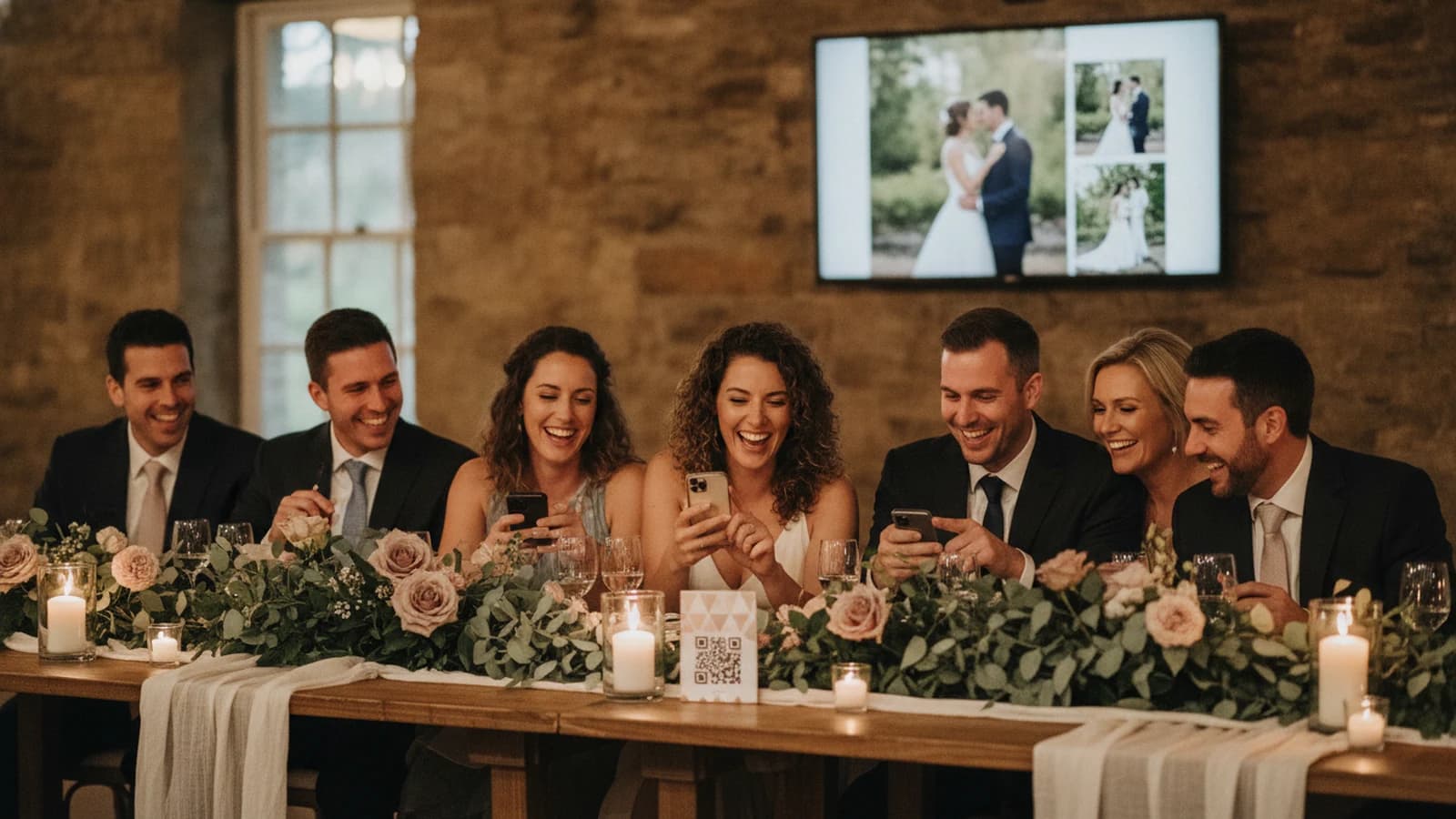
Collecting photos while the celebration is still happening changes the task. The invitation is visible, the upload link is already open, and guests can see where their contribution will appear. Showing shared photos during the reception is a practical reminder that other guests can participate too.
Compare the main wedding photo collection methods
| Method | Best for | Watch for |
|---|---|---|
| Text or email requests | A small guest list | Manual follow-up and scattered attachments |
| Shared cloud folder | Organized groups already using the same service | Permissions, sign-ins, and unfamiliar folder controls |
| Social hashtag | Public discovery and social sharing | Privacy, missing posts, and platform compression |
| Dedicated wedding app | Guests willing to install and register | Download and account friction |
| Browser upload via QR code | Fast participation across mixed guest groups | Needs cellular data or venue Wi-Fi |
A three-step plan to collect wedding photos from guests
1. Prepare one destination before the wedding
Create the event link early enough to test it on both an iPhone and an Android phone. Ask someone outside the planning team to scan, upload, and find the photo again. This catches unclear instructions and venue-network surprises before the room is full.
2. Put the invitation where guests pause
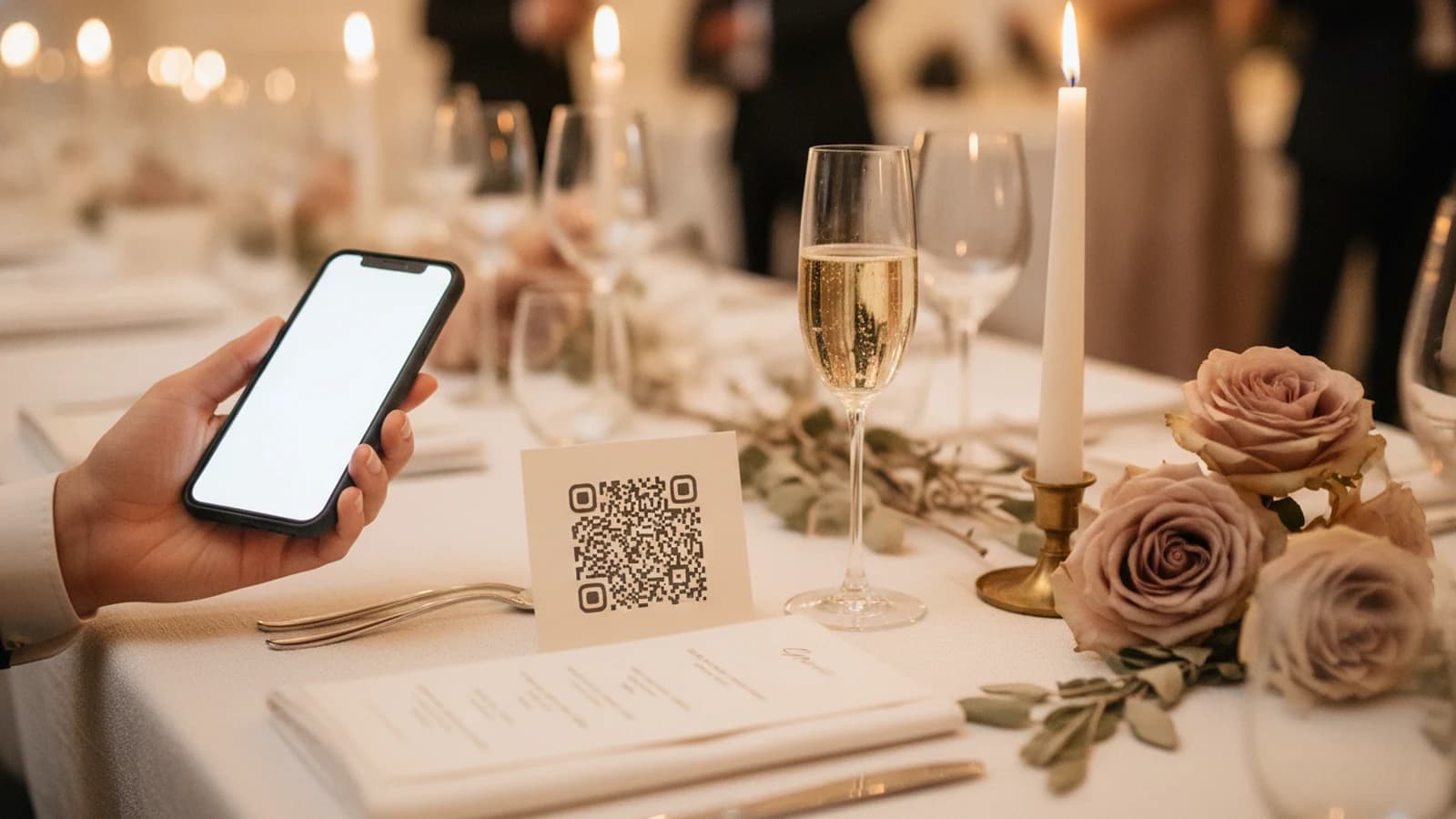
Use several small signs instead of one large sign at the entrance. Good placements include dinner tables, the bar, the guest-book table, and the edge of the display running the slideshow. Keep the instruction concrete: “Scan to share a photo with the couple.”
3. Make participation visible
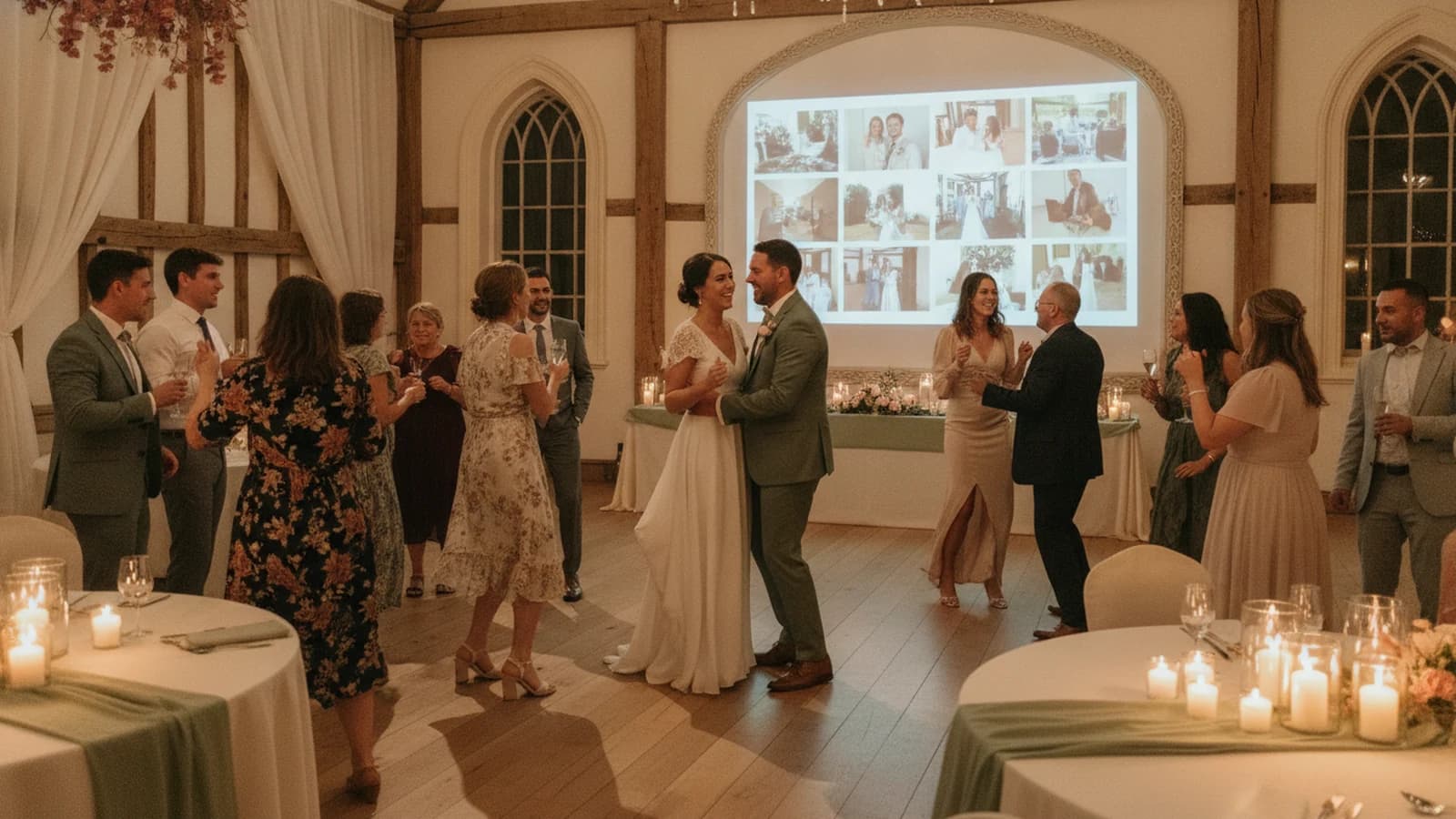
A live slideshow turns collection into an activity. Guests understand where their photo goes, and seeing new viewpoints arrive reminds other tables to join. Start with a curated sequence from the couple so the screen already feels intentional before guest uploads begin.
When you are ready to set that screen up, the live wedding slideshow page explains the opening sequence and the reception display. The guest side — one code, no app, browser upload — is on the wedding photo sharing page.
What to tell guests
- Use your phone camera to scan the code.
- Add your name so the couple knows who shared the moment.
- Choose a photo from your camera roll or take one now.
- Share candid moments, table photos, and angles the photographer may not see.
- Keep the link and add any favorites you notice tomorrow.
How Momently handles the collection and display
Momently gives a wedding one guest link and QR code. Guests open a phone-first web page without creating an account or downloading an app. The couple prepares an opening photo sequence, guest photos follow in a fair shuffle, and the web player can run from a compatible computer or device connected to a TV or projector.
The $69 USD wedding plan supports files up to 10 MB, up to 2,000 photos total, and up to 100 photos from each guest device. On supported browsers, Momently resizes guest images to a maximum 2,560-pixel edge and converts them to JPEG before upload, which normally removes embedded metadata. HEIC and HEIF photos from iPhones are always converted to JPEG in the browser first. If browser processing is unavailable, the original supported JPEG, PNG, WebP, or AVIF file may be uploaded.
Wedding photo collection checklist
- Create and test the guest link.
- Download the QR code and print several copies.
- Confirm the venue has reliable Wi-Fi or cellular coverage.
- Connect a laptop or supported device to a 16:9 TV or projector.
- Preload the couple's opening sequence.
- Ask the DJ, MC, or wedding party to mention the code once.
- Keep the link available after the reception for late uploads.
Questions event hosts ask
How can wedding guests upload photos without an app?
Use a QR code that opens a mobile web upload page. Guests scan it with their phone camera, open the link, enter a display name, and choose photos from their camera roll. A browser-based flow avoids app-store downloads and account creation.
When should I ask guests to share wedding photos?
Invite guests during cocktail hour and the reception, when they are already taking photos. Keep the same link available after the wedding for late additions, but make the main collection happen while the event and the prompt are in front of them.
Can I collect photos from guests and show them live?
Yes. A live wedding slideshow can combine a curated opening sequence with new guest uploads. Test the display connection and venue internet in advance, and use the couple's private controls to pause uploads or remove an unwanted image if needed.