A wedding photo QR code is useful only when guests notice it, understand what it does, and reach an upload page that works in seconds. The technology is simple. The details—placement, wording, contrast, and a quick venue test—determine whether the code becomes part of the celebration or part of the décor nobody touches.
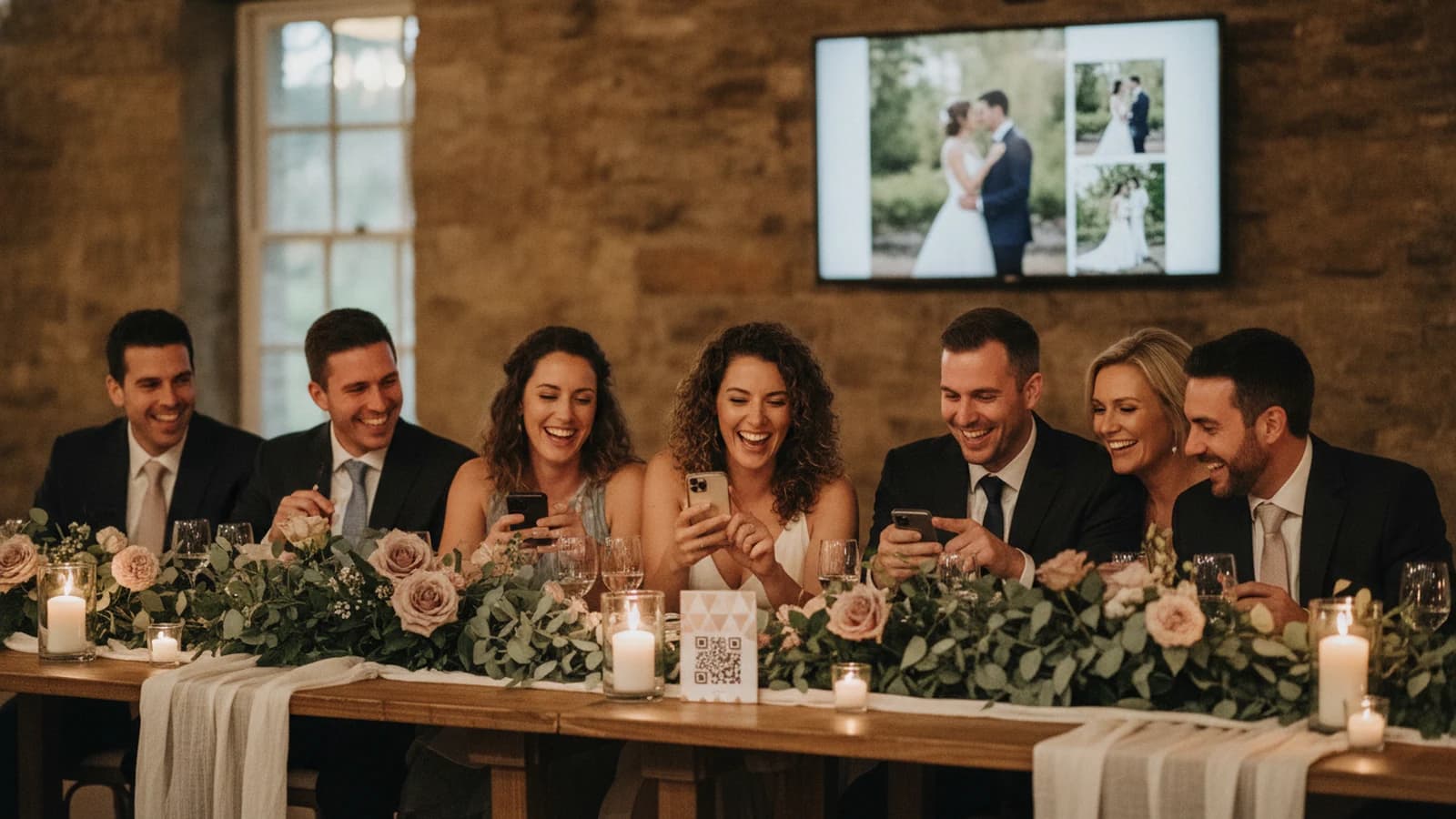
A wedding photo QR code opens an event-specific guest link when someone scans it with a phone camera. The link should lead directly to a mobile upload page, not an app store or account screen. Place copies on reception tables, the bar, the guest-book station, and beside the live slideshow, with a short instruction explaining what guests will see.
Continue with How to Collect Wedding Photos from Guests or 15 Wedding Slideshow Ideas That Feel Personal.
How a wedding photo QR code works
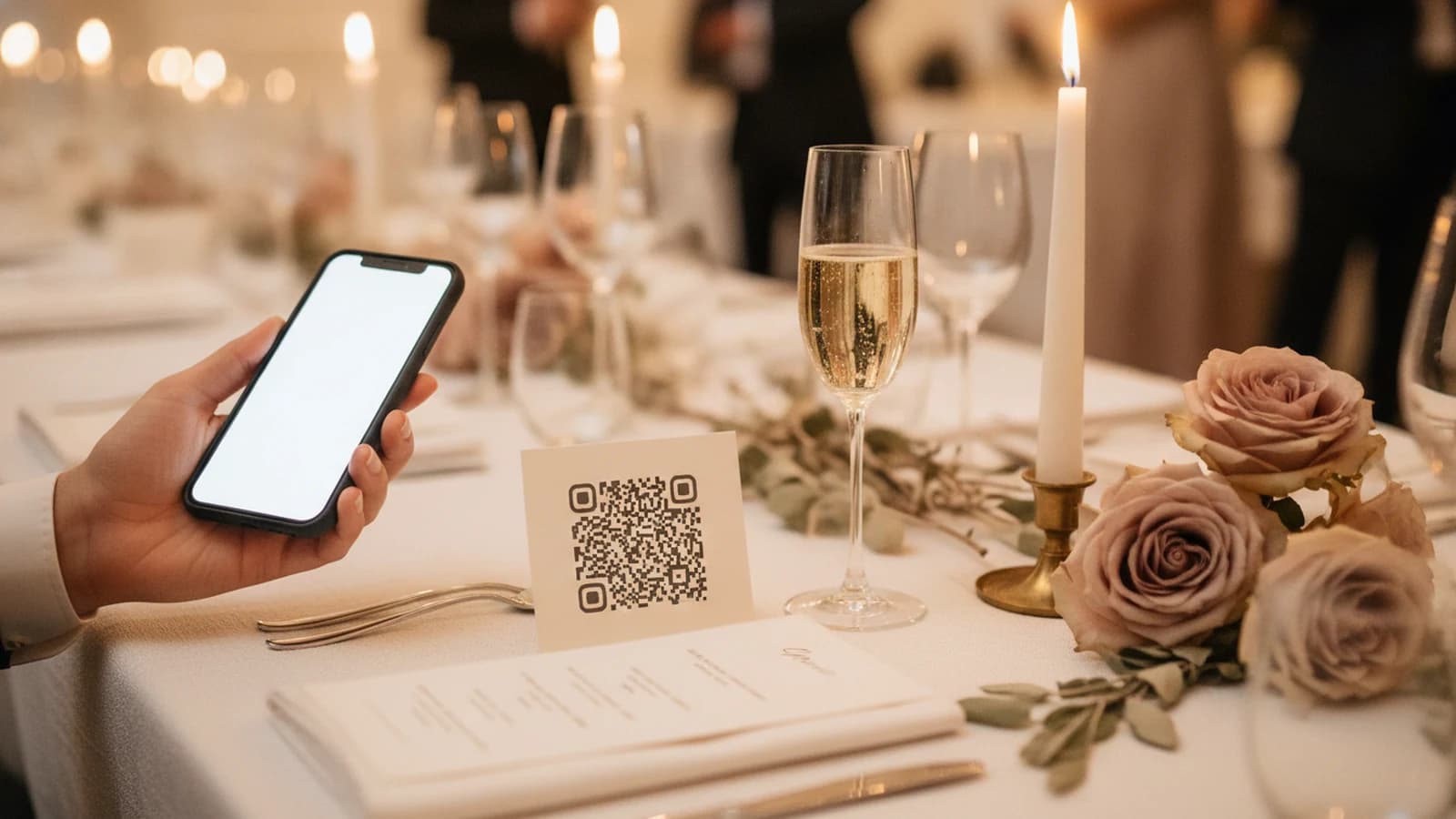
A QR code is a visual way to store a web address. iPhones and many current Android phones can recognize QR codes through their camera experience; include the readable URL as a fallback and test the final print on the phones available to you. When the code points to a wedding upload page, the guest moves from camera to browser without typing a long URL.
Phone-camera reference: Apple iPhone QR scanning.
Android-camera reference: Google Lens image and object search.
The QR code does not contain the photos. It points to the event page that receives them. You can print the code before the wedding and manage the event online without reprinting it, provided the wedding's guest URL and slug do not change.
The best places to put wedding photo QR codes
1. Reception dinner tables
A small tent card or menu insert reaches guests while they are seated and their phones are nearby. Put the instruction above or beside the code rather than hiding it in a paragraph.
2. The bar or drink-menu area
Guests naturally wait at the bar and often have a free hand. A compact sign here is especially useful during cocktail hour, when candid photos begin accumulating.
3. The guest-book or welcome table
This station already asks guests to contribute something. Pair the photo invitation with a simple line such as “Add the moments you see tonight.” Keep at least one more placement inside the reception so late arrivals are not missed.
4. Near the slideshow screen
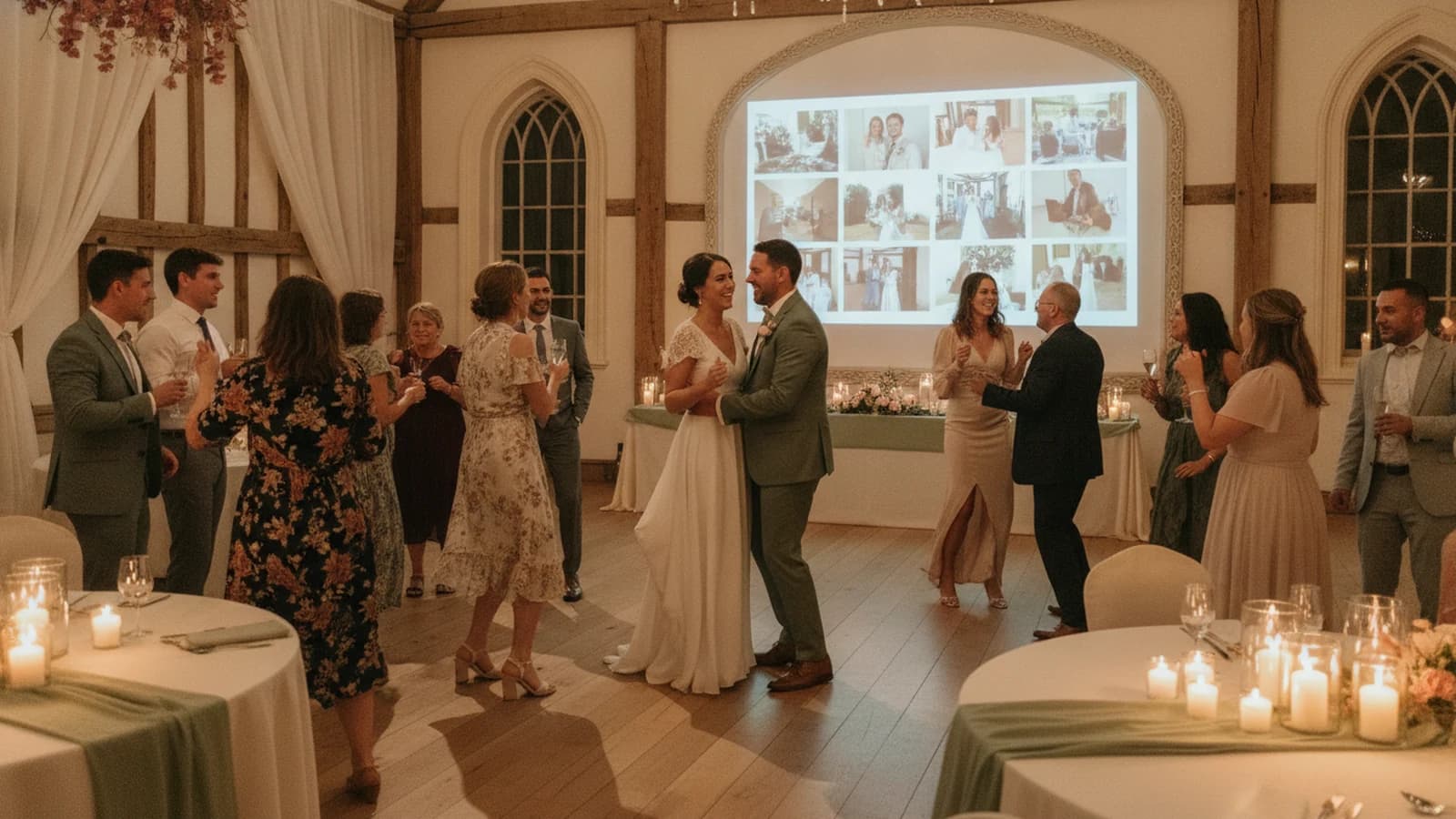
Guests can see where their uploads will appear. A sign or on-screen QR overlay connects the instruction with the result: guests can scan, share, and then watch new viewpoints join the room.
If you want the code and the screen as one setup, the wedding photo sharing page covers the guest upload, and the live wedding slideshow is where those photos play during the reception.
5. Photo booth and lounge areas
These are natural photo-taking zones. The code catches guests while the behavior you want is already happening, without interrupting dinner or dancing.
6. Printed programs or favor tags
Use these as secondary placements, not the only copies. Small printed pieces disappear into bags and pockets, so pair them with visible reception signage.
Design QR signs guests can actually scan
- Keep strong contrast between the dark code and its light background.
- Preserve the empty margin around the code; do not crowd it with flowers or decorative borders.
- Avoid glossy placement where candlelight or spotlights create glare.
- Use a short action line: “Scan to share your photos.”
- Add the readable event link below the code as a backup.
- Do not stretch, skew, or crop the exported QR image.
- Test every final print size before ordering a full batch.
QR Code.com, maintained by QR Code inventor DENSO WAVE, explains that a code needs a clear quiet zone around all four sides. Apple also documents QR scanning directly through the iPhone Camera app. Those basics are more dependable than decorating a code until it becomes difficult to recognize.
QR design reference: DENSO WAVE guidance on quiet zones.
Wedding QR sign wording examples
| Tone | Suggested wording |
|---|---|
| Clear | Scan to share your wedding photos |
| Warm | Show us the moments you see tonight |
| Playful | Your camera. Our big screen. Scan to join in |
| Minimal | Scan · Share · Watch |
| Helpful | Open your camera, point it here, and tap the link |
Set up a Momently wedding photo QR code
- Create the wedding and choose its custom guest link.
- Open the private wedding studio and download the event QR code.
- Add the QR image to table cards and signs without changing its proportions.
- Test the printed sample on multiple phones.
- Connect the slideshow to the reception display and keep the QR overlay visible where appropriate.
- Share the readable guest link with the wedding party as a backup.
Questions event hosts ask
Do wedding guests need an app to scan a photo QR code?
No. A well-designed wedding photo QR code can open a mobile web page through the phone's built-in camera experience. The destination should let guests upload in the browser without sending them to an app store or requiring an account.
Where should I put wedding photo QR codes?
Use several placements where guests pause: dinner tables, the bar, the guest-book station, a photo booth, and beside the slideshow screen. A code near the display is especially clear because guests can immediately understand where their shared photos will appear.
Does a wedding photo QR code need Wi-Fi?
The printed code itself does not, but opening the page and uploading a photo requires internet access through cellular data or venue Wi-Fi. The live slideshow display also needs a reliable connection to receive new uploads during the event.