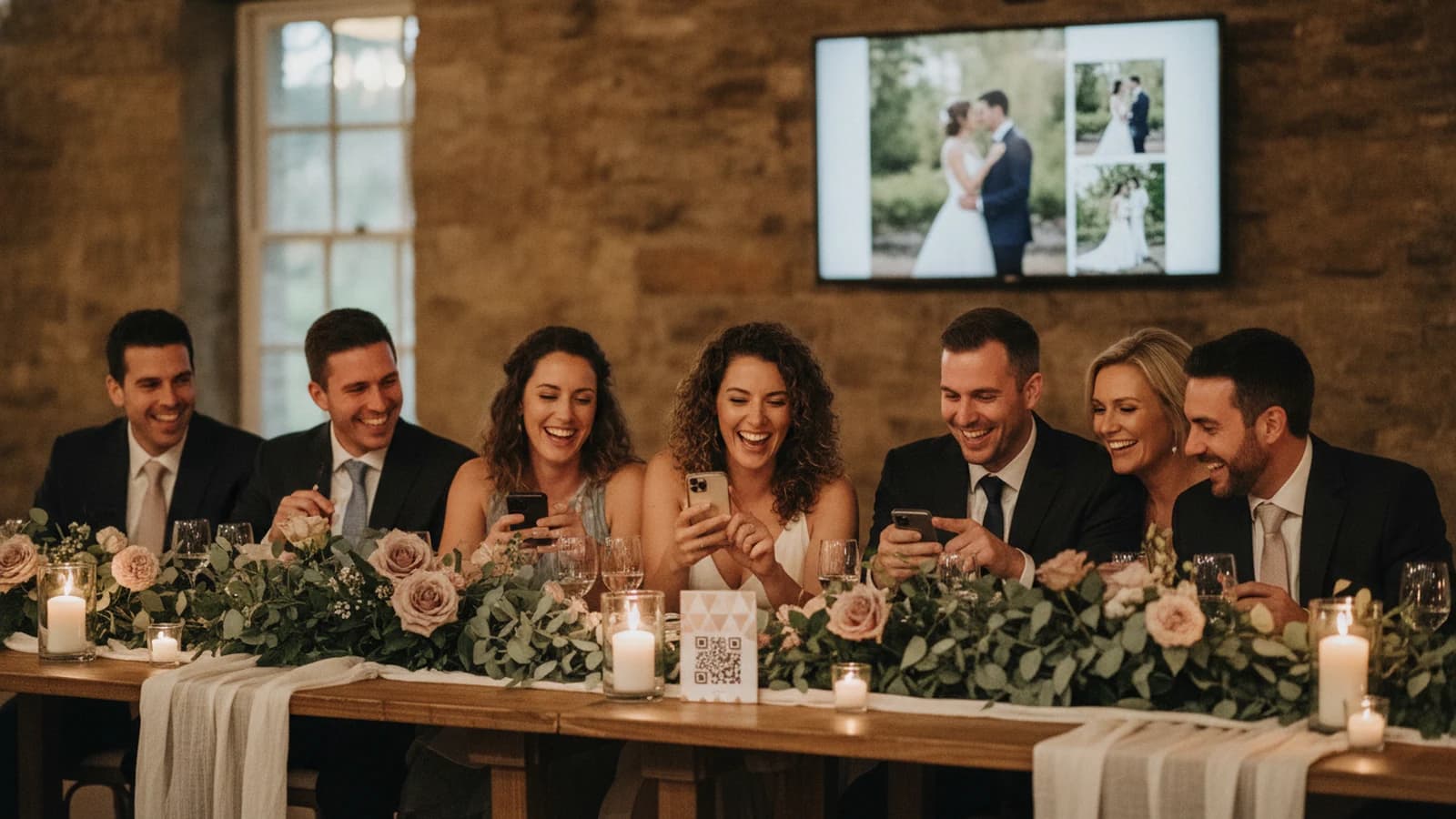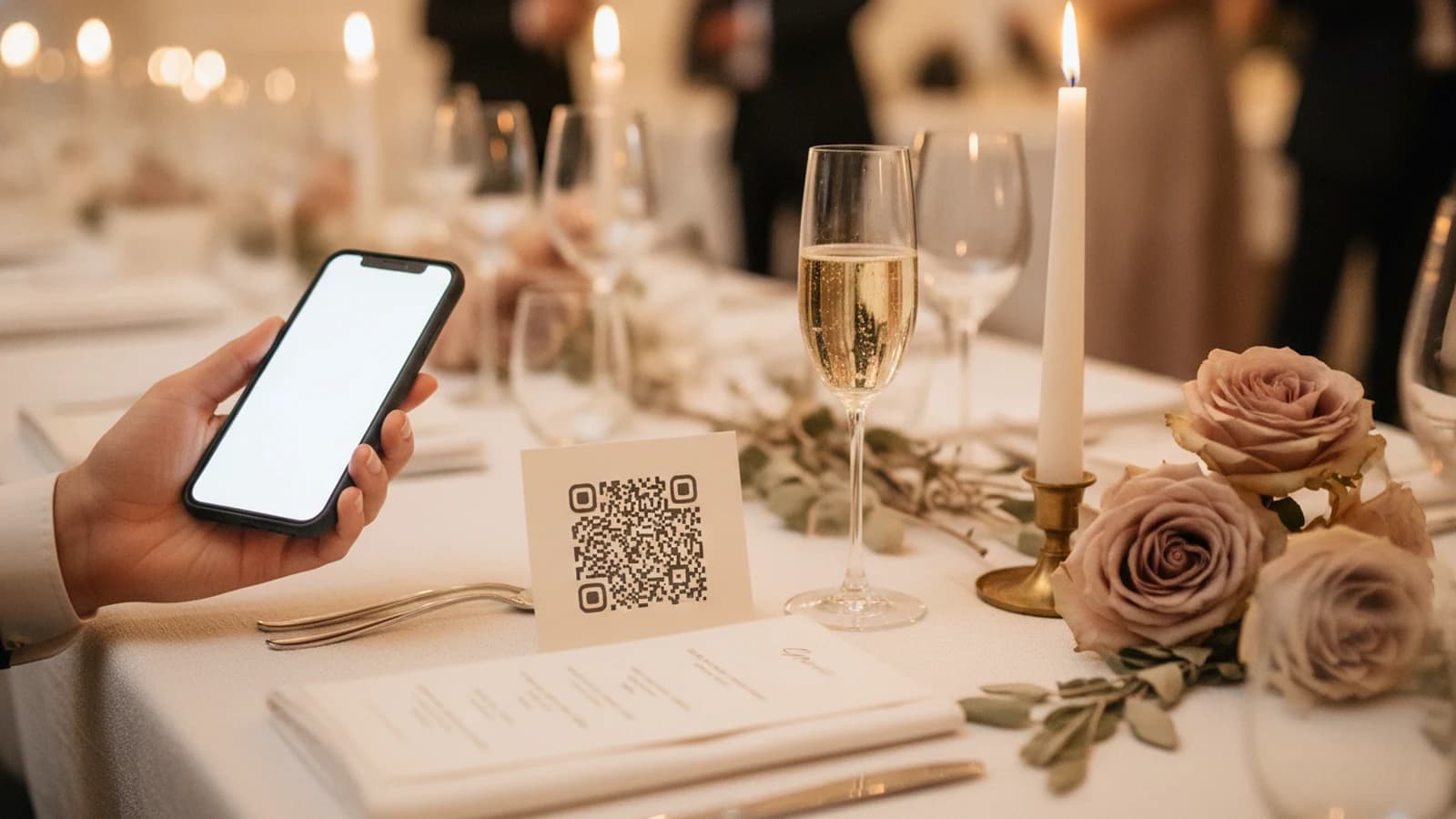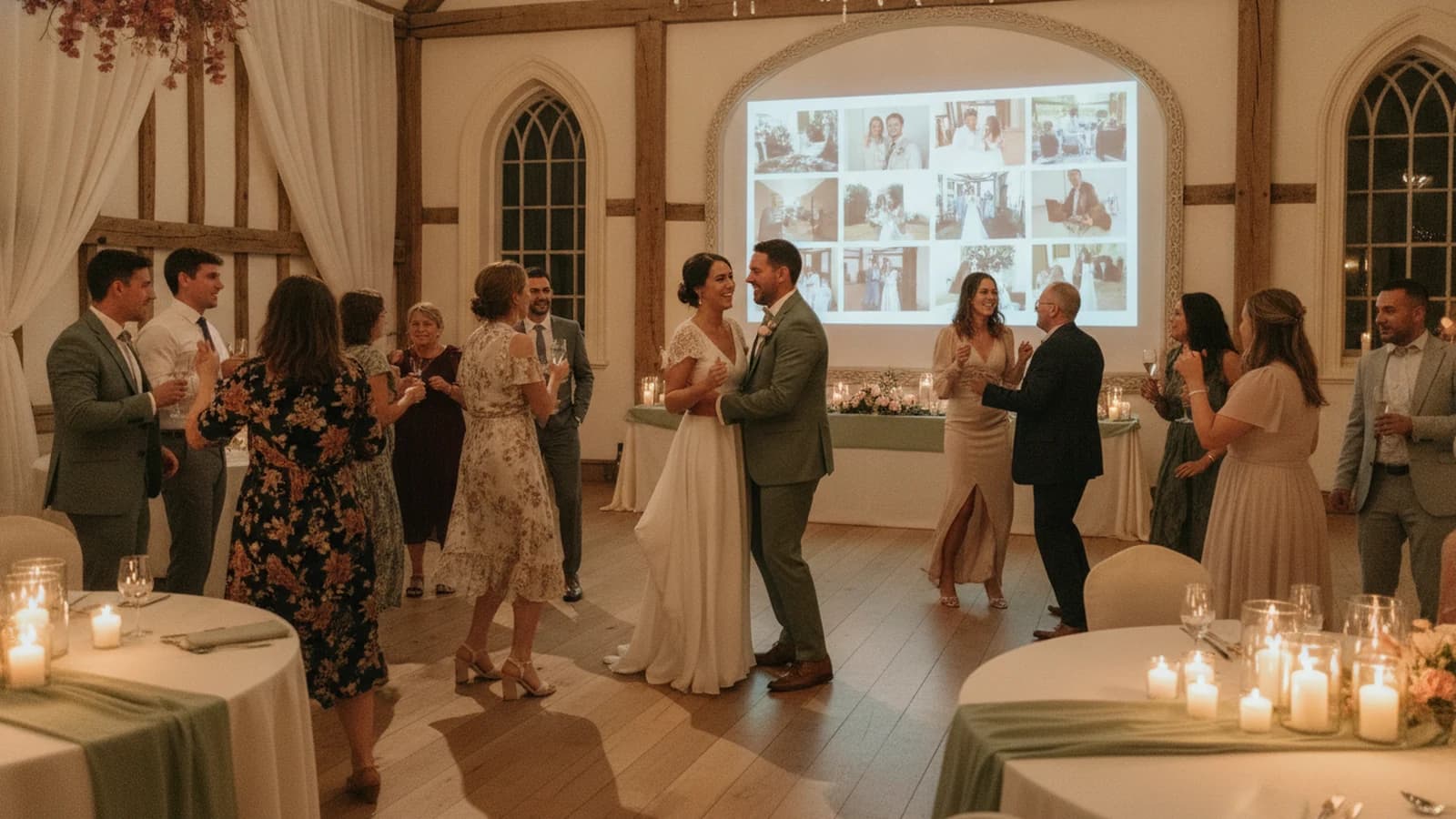
The best wedding slideshow does not ask the room to sit quietly through a long presentation. It adds atmosphere. A few meaningful photos establish the couple's story, then new moments from guests keep the screen alive while dinner, conversation, and dancing continue around it.
Modern wedding slideshow ideas work best as an ambient part of the reception: start with a short curated story, use clear visual themes, and let guest photos add fresh perspectives throughout the night. Keep images readable on a 16:9 display, avoid dense text, and place the screen where it complements rather than competes with the celebration.
Continue with How to Collect Wedding Photos from Guests or Wedding Photo QR Codes: How They Work.
What makes a wedding slideshow feel modern
A traditional slideshow is a fixed file with a beginning, middle, and end. Everyone stops, watches, and waits. A live wedding slideshow can be lighter: it plays in the background, begins with photos selected by the couple, and grows as guests add candid moments.
- Use full-screen photos instead of crowded collages.
- Choose a short opening sequence with an emotional rhythm.
- Keep text rare, large, and easy to read across the room.
- Design for a widescreen TV or projector rather than a square social post.
- Let the display breathe; not every second needs a transition or effect.
15 personal wedding slideshow ideas
1. Two childhoods, one story
Alternate a small number of childhood photos from each partner, then bring the timelines together at the first photo of the couple. Keep the sequence selective to avoid repetition and keep the opening brief.
2. The places that shaped us
Build the opening around homes, neighborhoods, schools, trips, and favorite local spots. This gives guests from different chapters of life an immediate point of connection.
3. Our first year together
Use everyday photos, not only polished portraits: the first dinner cooked together, the awkward selfie, the rainy trip, and the pet who joined the relationship.
4. The proposal from both sides
Combine the couple's proposal photos with any behind-the-scenes pictures from friends or family who helped. The contrast between the plan and the moment gives the sequence personality.
5. People who got us here
Choose images with parents, grandparents, siblings, friends, and mentors. Make this a warm acknowledgment rather than a complete directory of everyone attending.
6. Guest point of view
Invite guests to share what the day looks like from their seat. Table laughter, ceremony reactions, and hallway reunions often capture candid moments outside the formal photo list.
7. Table-by-table portraits
Ask each table to contribute one group photo. As they appear, the screen becomes an informal roll call without interrupting dinner for a formal announcement.
8. Behind the scenes
Collect getting-ready details, vendor setup, the quiet room before guests arrive, and the wedding party's last-minute fixes. These moments show the day unfolding, not just the finished result.
9. The view from the dance floor
Encourage wide shots, shoe-level angles, and reactions at the edge of the floor. A live slideshow lets the energy on screen rise naturally as the reception changes pace.
10. A photo scavenger list
Give guests a short prompt list: someone laughing, a multigenerational photo, a hidden detail, the best shoes, or a reunion. Keep it optional and celebratory, never disruptive.
11. Then and now pairs
Pair an older photo with a present-day echo: siblings recreating a childhood pose, longtime friends together again, or the couple revisiting the place where they met.
12. The unplanned details
Create a running theme around small things: handwritten notes, place cards, desserts, weather, flowers, or the inevitable pin, tape, and safety-pin fixes nobody sees in the formal gallery.
13. Generations of love
Use wedding photos from parents and grandparents alongside the current celebration. Confirm that everyone pictured is comfortable with the display and keep the treatment respectful and simple.
14. The funniest safe-for-everyone moments
Candid expressions and gentle mishaps add life without turning anyone into the joke. The private studio should stay available so the couple or a trusted helper can remove anything that does not belong on the room's screen.
15. The story happening now
Begin with the couple's chosen photos, then let new guest uploads follow the curated opening sequence. The slideshow can include both earlier memories and moments captured in the room that night.
A simple technical checklist for the reception
- Ask the venue which TV, projector, adapter, and input will be available.
- Confirm the venue display's aspect ratio, then preview portrait and landscape photos using Momently's Show full photo or Fill the screen setting.
- Test the player on the actual venue network when possible.
- Keep power and charging cables secured away from guest traffic.
- Place the display where it is visible without blocking speeches or the dance floor.
- Assign one trusted person access to the private controls.
- Start the slideshow before guests enter so the screen never looks unfinished.
Build a live wedding slideshow with Momently
Momently plays the couple's opening sequence first, in the order they choose. Guest photos follow in a fair shuffle, and the full story loops continuously. New uploads join on the next loop, so the display can evolve without someone rebuilding a video file during the reception.
That reception display is written up on the wedding slideshow page, including how it differs from a video you export once. Guests still need a way in: the wedding photo sharing page is the QR code and the browser upload.
Guests use one QR code and a browser—no app or account. Run the web player on a laptop, a Raspberry Pi OS or Ubuntu kiosk, or another compatible browser device connected to the venue's TV or projector. The management-key holder can pause new uploads, adjust playback, and permanently remove individual photos; there is no pre-approval queue, so assign a trusted helper if live review matters.
Questions event hosts ask
How long should a wedding slideshow be?
For a scheduled presentation, shorter is usually easier for the room to follow. For an ambient live slideshow, think in loops rather than one fixed runtime: begin with a selective opening sequence, then let guest photos refresh the display throughout the reception.
Can a wedding slideshow include guest photos during the reception?
Yes. A browser-based guest link can accept uploads during the wedding. Momently checks for new photos in the background and uses the newest set on the next slideshow loop. Test the venue connection first and keep private controls available so a trusted person can pause uploads or remove a photo.
What aspect ratio should wedding slideshow photos use?
Many current TVs use 16:9, but projectors and venue displays vary. Confirm the actual screen, then preview landscape and portrait photos with the player's Show full photo or Fill the screen setting so important details are not cropped.