 WEDDING EDITION · 01
Arrange the opening
Upload the couple’s photos in the private studio and put them in the order you want. That sequence plays first, every loop, so the screen has a point of view before the first guest upload arrives.
Most wedding slideshow searches lead to a video you finish before the party. This one is different. Momently is a wedding photo slideshow that plays on the TV or projector in the room, starts with the photos you chose, and keeps growing as guests share what they see.
$69USD for one wedding · up to 2,000 photos · 12 months of access
The photos get there through one code. See wedding photo sharing
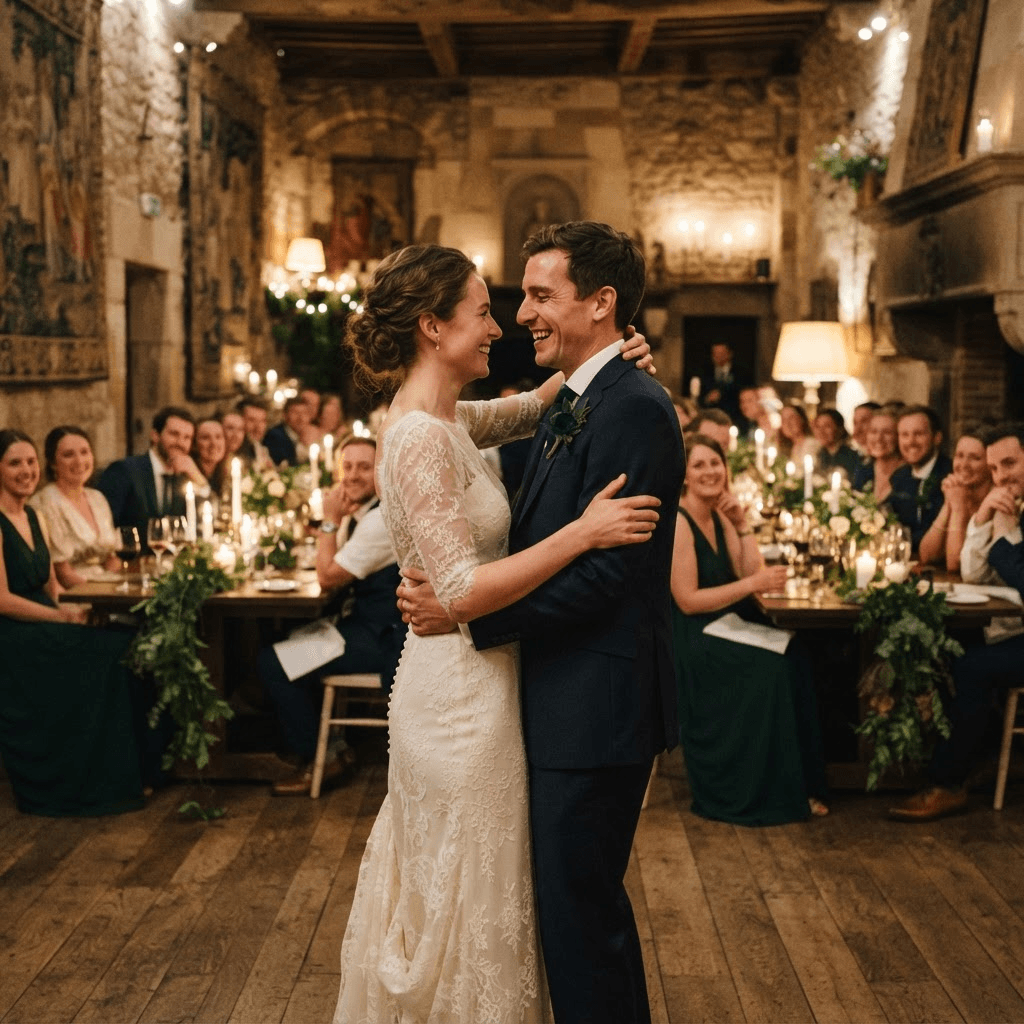
Set the opening once, put one QR code where guests will see it, and leave the player running. You are not exporting a new cut every time a table sends a photo.
Upload the couple’s photos in the private studio and put them in the order you want. That sequence plays first, every loop, so the screen has a point of view before the first guest upload arrives.
Guests scan one QR code and upload in the browser. The same code can sit on table cards and on the screen itself. A readable link is there for anyone who would rather type it.
After your opening, guest photos follow in a fair shuffle so one phone does not own the screen. The full story repeats, and photos shared during this loop join the next one.
The screen should be easy to glance at during dinner and dancing. Full-screen photos, a short credit, and a QR code guests can still scan from across the room.
You choose which photos define the night and the order they appear. Childhood, the proposal, the people who got you here — whatever belongs at the start stays at the start.
Guest photos are spread so the person who uploaded the most does not play back-to-back while everyone else waits. Each loop gives the room a mix of points of view.
Open the full-screen player in a browser on a computer connected to the TV or projector. A Raspberry Pi OS or Ubuntu kiosk installer is available when you want the screen to come back on its own. It is optional.
The studio link stays with you. Pause guest uploads, delete a photo, and choose where the on-screen QR prompt sits. Show the full photo with bars, or fill the screen when a little crop is fine.
The player is a browser page. The fragile parts are the venue’s cable, the network, and whether anyone knows who holds the studio link.
Search results for “wedding slideshow” are mostly montage editors. Use one of those when you want a scored video. Use a live player when the point is the photos people take in the room.
| Compared | Momently live slideshow | Wedding slideshow maker | Shared album or group chat |
|---|---|---|---|
| When photos appear | During the reception, on the next loop | When you play a finished video | Whenever someone opens the album later |
| Guest effort | Scan a QR code in the phone browser | Usually none, unless you collected the photos by hand first | An app, an account, or a thread they already use |
| What the room sees | A screen that stays on and updates | A presentation with a beginning and an end | Nothing, unless you build a display yourself |
| Music and titles | Photos only. No soundtrack or title cards | Music, transitions, and credits | Whatever that album app shows |
| After the wedding | 12 months of access, then it closes | The video file is yours to keep | Depends on the service you used |
There is no free tier and no subscription. You pick a wedding date up to 24 months away, and the page shows the exact day access ends before you pay. That window is normally 12 months after the wedding. Save anything you want to keep; Momently is not a forever archive.
Create your slideshowA live wedding slideshow plays in the room during the reception and changes as the night goes on. In Momently, the couple’s photos play first in the order you set. Guest photos follow in a fair shuffle, the story loops, and new uploads join at the next loop. It is a screen for the celebration, not a video file you export in advance.
A wedding slideshow maker — Canva, Adobe Express, and similar editors — builds a finished video with music, titles, and transitions. That is the right tool for a speech or a montage you want scored. Momently does not add a soundtrack or title cards. It runs a photo-only player on a TV or projector and lets guest photos join while people are still at the wedding.
Sometimes people mean a printed backdrop, a frame display, or a digital screen. Momently is the digital kind: a wedding photo wall on the TV or projector already in the room. Guests add to it from their phones, and the same screen keeps playing instead of waiting for a printed board.
No. Guests scan the wedding QR code with their phone camera, open the link in the browser, add a display name, and choose a photo or take one. There is no app store step and no guest account. The name they enter can appear on screen as the credit for that photo.
Think in loops, not in a single runtime. Start the player before guests sit down so the screen is never empty, let the opening sequence set the tone, and leave it on through dinner and dancing. Each loop plays your story first, then guest photos. You do not rebuild a file when someone uploads a new picture.
Guest uploads and new photos need a connection, either venue Wi-Fi or cellular data. A short outage does not blank the screen: the player keeps showing the photos it already loaded and checks for new ones again at the next loop.
No. Uploads are not held in a pre-approval queue. The person with the private studio link can pause new uploads, remove a photo, and adjust the on-screen QR code. Guests can also delete their own photos. If you want someone watching the screen, give that studio access to one trusted helper before the reception.
$69 USD covers one wedding: up to 2,000 photos, up to 100 photos from each guest device, and files up to 10 MB. JPEG, PNG, HEIC, HEIF, WebP, and AVIF are accepted. HEIC and HEIF are converted to JPEG in the browser. Paid access normally lasts 12 months after the wedding date you enter at checkout, and you see that end date before you pay. Momently is not permanent photo storage, and video files are not included. Wedding dates can be booked from today through 24 months out.
The screen only fills up if the upload is obvious. One QR code, no app, and a page that works on the phone they already have.
Wedding photo sharing One room. Every perspective.
Arrange the opening, share one code, and let the reception add the rest.
Create your slideshow $69 USD · No app for guests · 12 months of access