A celebration of life asks something specific of photographs. They are not decoration; they are the way a room full of grieving people remember who they are grieving. The right display gives every generation an entry point — the grandchild who knew one version of the person, the college roommate who knew a completely different one, the neighbor who knew a third. This guide covers both halves of the job: displaying the photos the family already has, and quietly collecting the ones guests carry in their pockets.
The strongest celebration of life photo displays combine one focused printed display — a memory table, a photo timeline, or a framed collage — with a slow, ambient slideshow of the person's life. Ask family for photos early, keep the selection representative rather than exhaustive, and give guests a gentle way to add the old photos and candid moments sitting on their own phones.
Continue with Family Reunion Photo Sharing App: How to Choose or How to Display Baby Photos at a Baby Shower or Graduation Party Photo Display Ideas.
Start by gathering more photos than you will display
Families usually underestimate how many photographs exist until they ask. Beyond the albums in the closet, there are prints in shoeboxes, slides nobody has projected in forty years, and — most easily missed — dozens of photos sitting on the phones of friends and extended family, including pictures of the person that the immediate family has never seen.
| Source | What it tends to yield | Why to ask early |
|---|---|---|
| Family albums and shoeboxes | The core chronology: childhood, milestones, holidays | Scanning and reprinting takes longer than expected |
| Close friends | Candid decades — trips, hobbies, the person at ease | These photos rarely reach the family otherwise |
| Coworkers and community groups | A whole chapter the family may not know visually | Group administrators can pass one request to many people |
| Guests' phones on the day | Old favorites people carry, plus moments from the gathering itself | Attention scatters within days after a service |
Send one clear request through each channel: a few favorite photos, sent by a specific date, with the person's name in the filename if it is easy. People in grief want to help with something concrete, and this is the most concrete thing most of them can do.
Printed celebration of life photo display ideas
Printed displays anchor the room. Choose one primary format and execute it well rather than spreading the same photos across four half-finished ideas.
1. A memory table
The most familiar and forgiving format: a single table with framed photographs at varying heights, one or two meaningful objects — a tool, an instrument, a team cap — and a guestbook for written memories. Keep the photo count between eight and fifteen so people actually stop at each one, and leave space to add photos that arrive late.
2. A photo timeline of a whole life
String or mount photographs in chronological order along a wall or a long board, marked by decade rather than exact date. A timeline invites the conversation every memorial hopes for: older relatives pointing at a frame and telling the story behind it. It also handles an uneven photo collection gracefully — sparse decades simply sit closer together.
3. A framed collage board
A tri-fold or large mounted board with the person's name across the top works when the venue has table space but no usable wall. Mix formal portraits with candids, and include at least a few photos where the person is doing something they loved rather than only posing for it.
4. Hanging photo strings with fairy lights
Photos printed on card stock, clipped to twine with warm fairy lights strung alongside, soften a plain reception room. This format scales easily — you can hang twenty photos or sixty — and photographs can be added during the gathering as guests arrive with copies.
5. Floral and wreath displays
Wrap a single photo around the vase of each floral arrangement, or anchor one framed portrait inside a wreath at the entrance. This works best as a secondary display: it greets people at the door with the person's face and hands the deeper looking to the memory table or timeline inside.
6. Centerpiece frames at the reception table
If the gathering includes a meal, place a small framed photo at each table — a different decade at each one. Guests seated together tend to know the person from the same chapter, and a photo from that chapter starts the storytelling without anyone having to prompt it.
The digital half: a slideshow that can still grow
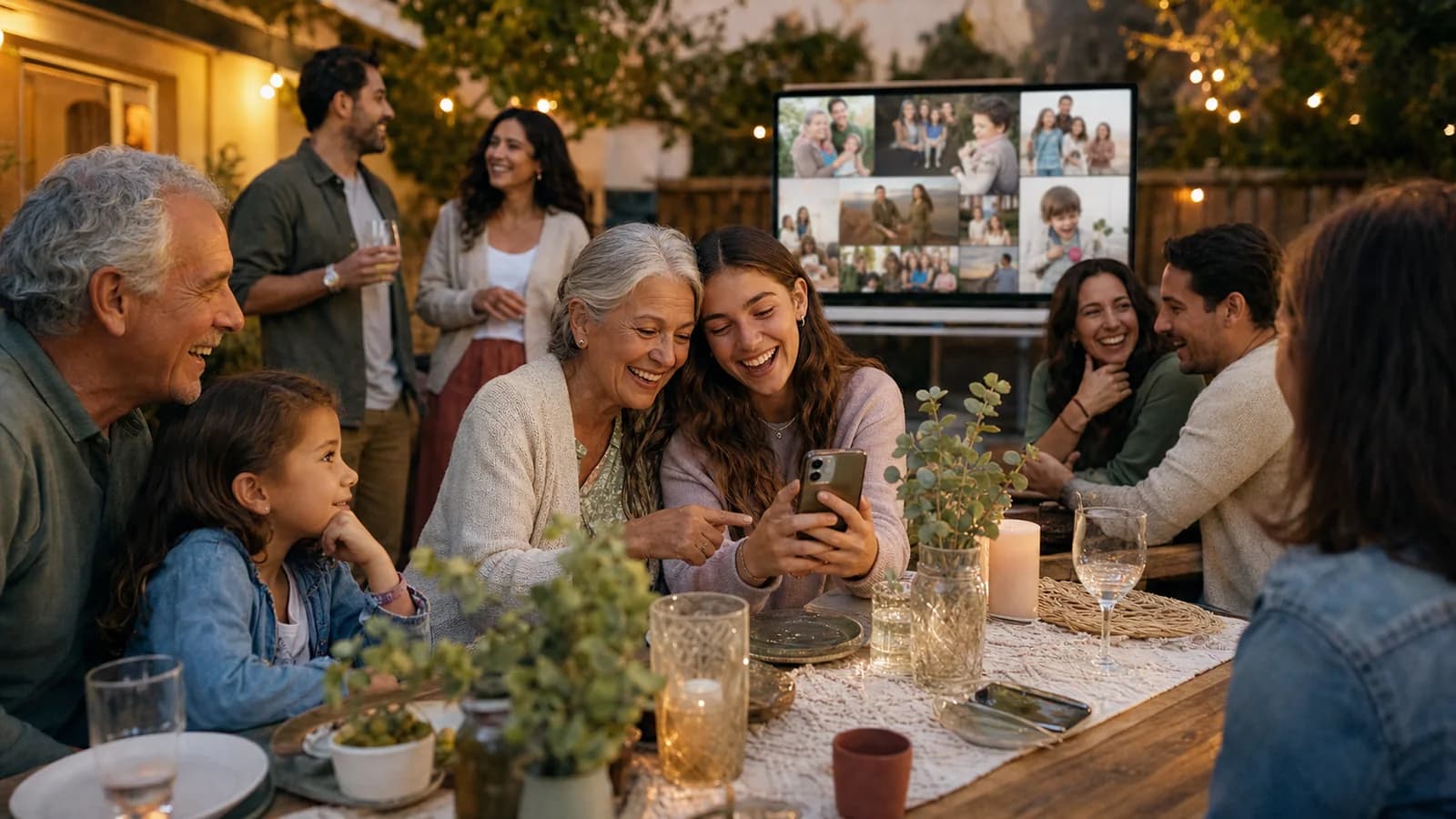
A screen does something printed displays cannot: it holds far more photos than any table, and — if it is connected to guest uploads — it can grow during the gathering itself. At a celebration of life this matters in a specific way. Guests arrive carrying rare old photographs on their phones: the college roommate has 1978, the fishing group has a decade of mornings, the neighbor has the person in the garden last summer. Most of those pictures have never been scanned, and after the gathering they scatter again.
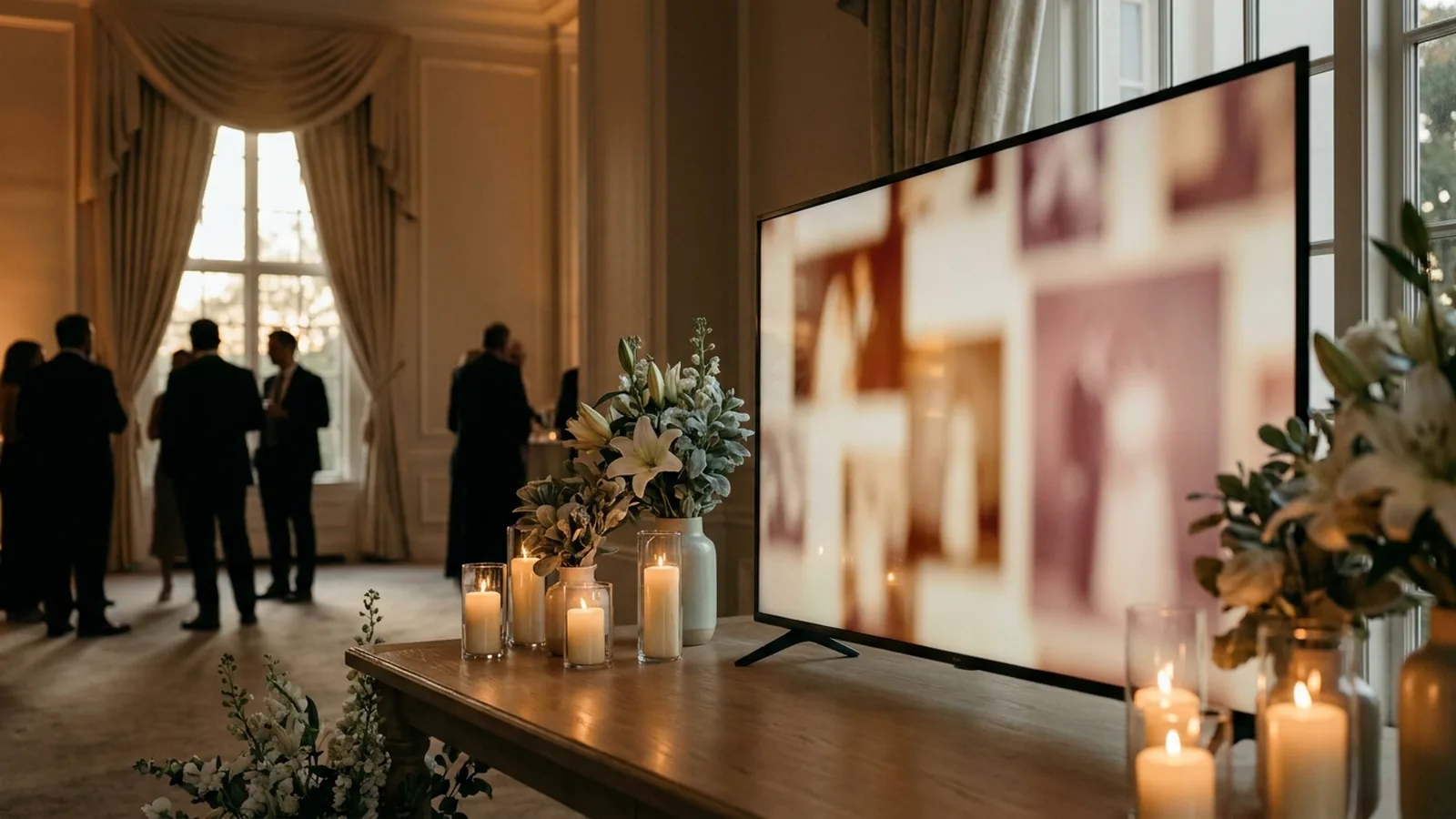
A gentle setup looks like this: the slideshow opens with the family's curated chronology, already looping before anyone arrives, and a small, quietly worded sign near the memory table invites guests to add a photo from their own phone if they have one. Nothing about the invitation needs announcing during the service itself. The screen simply gets fuller as the afternoon goes on, and the family keeps every contribution afterward.
Set up the live memory display in five steps
- Create the event gallery at least a week early and load the family's curated photo chronology as the opening sequence, so the screen is never empty or waiting.
- Generate the QR code for the guest link and keep a clear margin around it; DENSO WAVE, the company behind the QR Code, calls that margin the quiet zone and recommends leaving it unobstructed.
- Print a few small, plainly worded signs for the memory table and reception tables — one short sentence, no party language.
- Test the final printed sign on at least one iPhone and one Android phone, and complete an upload on each before the day.
- Connect a laptop or compatible browser device to the venue's TV or projector, preview how portrait and landscape photos crop, and start the slideshow before guests arrive.
QR design reference: DENSO WAVE guidance on QR Code quiet zones.
Phone-camera reference: Apple iPhone QR scanning.
Android-camera reference: Google Lens image and object search.
Wording the invitation gently
The wording on the sign sets the tone for everything that follows it. Party phrasing lands badly at a memorial; vague phrasing gets ignored. Aim for soft, specific, and optional.
| Tone | Sign wording |
|---|---|
| Soft and direct | If you have a photo of [name] on your phone, you're welcome to add it here |
| Memory-led | Share a photo of [name] from any chapter of their life |
| For the gathering itself | Help us collect today's memories — add a photo when you're ready |
| Minimal | Scan to add a photo of [name] · No app needed |
Include the readable web address beneath the code for guests who prefer typing or whose camera does not prompt. Say clearly on the sign or in the program whether the gallery is viewable by anyone with the link, so guests can make their own choice about which photos to contribute.
Choosing photos with care
- Ask the closest family before displaying any photo the person might have found private, unflattering, or out of character — grief and humor sit differently in every family.
- Include the person across their whole life, not only their final years; the point of the display is the full arc.
- Check before using photos that show people the family is estranged from, and photos of relatives who have died since they were taken.
- Treat photographs of children with the usual care, and note them if the gallery link is broadly shared.
- If the service follows a religious or cultural tradition, ask the officiant or funeral director about expectations for images and screens before finalizing the plan.
Privacy, guests, and what happens afterward
- Share the guest link only with people at the gathering and family who could not attend; a link that reaches further changes what contributors are comfortable sharing.
- Know whether uploads appear on the screen immediately or wait for approval, and match that choice to the tone of the gathering.
- Confirm who can pause uploads or remove a photo, and that the controls stay private to the host.
- Set a reminder near the end of the event's access window so the family and guests download what they want to keep; an event gallery is a collection point, not a permanent archive.
Celebration of life photo display checklist
- Ask family, friends, and community groups for photos with one clear deadline.
- Choose one primary printed format and build it from the strongest fifteen to forty photographs.
- Create the event gallery and load the family's chronology as the opening sequence.
- Generate the QR code, keep its quiet zone clear, and print a few small signs with soft wording.
- Test the printed sign on one iPhone and one Android phone.
- Confirm the venue's screen, input, and internet situation; rehearse the display before the day.
- Start the slideshow before guests arrive so the screen is never blank.
- Hand the host controls to one trusted person.
- After the gathering, download everything and tell guests how to save their favorites.
How Momently supports the live side
Momently gives a gathering one guest link and QR code. Guests open a phone-first upload page in their browser — no app download, no account — and their photos join the same gallery as the family's opening chronology. The host's curated sequence plays first, guest photos follow in a fair shuffle, and the whole life loops quietly on the venue's screen for as long as the gathering runs.
Hosts can pause new uploads, remove individual photos, and configure how the player behaves on the display. Photos are stored as private objects and served through temporary signed links. On supported browsers, guest images are resized and converted before upload, which normally removes embedded location metadata, and HEIC or HEIF photos from iPhones are always converted to JPEG in the browser first.
A display that holds the whole person
Pick one printed anchor — a memory table if the room is small, a timeline if the story spans decades — and let a slow slideshow hold the rest. Invite contributions softly, let the screen fill as the afternoon does, and download everything before the access window closes. The measure of a celebration of life photo display is not how many photographs it holds; it is how many people find a version of the person they recognize, and how many of those photographs the family still has a year from now.
Questions event hosts ask
What is the best way to display photos at a celebration of life?
Combine one focused printed display with a slow digital slideshow. A memory table or photo timeline gives guests something to stand over and talk about, while a looping slideshow on the venue's screen holds far more photos and can collect contributions from guests' phones during the gathering.
How many photos should a celebration of life display include?
Keep printed displays selective — roughly eight to fifteen photographs on a memory table, up to about forty on a timeline — so each one actually gets looked at. A slideshow can carry more, but a curated chronological sequence of a few dozen reads better than an unedited archive.
Can guests add their own photos at a celebration of life?
Yes. A QR code on a small sign at the memory table or reception can open a browser upload page — no app or account — so guests can contribute old photos of the person they carry on their phones. Word the invitation as optional and keep it at the reception rather than the service itself.
Is a slideshow appropriate for a memorial service?
It can be, when it is slow, ambient, and previewed by the family. Check with the officiant or funeral director about screens during the service, position the display at eye level near the reception, start it before guests arrive so it never sits blank, and give one trusted person the controls.