Baby photos do double duty at a baby shower. Pictures of the parents-to-be as babies turn the room into a story about where this child comes from, and pictures taken by guests during the party become the record of the day itself. Most hosts plan the first kind and forget the second—then spend the week after the shower chasing photos across group texts that were never sent.
To display baby photos at a baby shower, combine two layers: printed childhood photos of the parents-to-be as table displays, a photo wall, or centerpiece frames, plus one live digital slideshow that collects guest photos through a QR code during the party. The printed photos carry the nostalgia; the live display turns the shower into the first chapter of the baby's own album.
Continue with Birthday Party Photo Display Ideas or First Birthday Photo Display Ideas or Celebration of Life Photo Display Ideas.
The two kinds of baby photos worth displaying
A baby shower photo display means two different things, and the strongest setups use both.
| Kind of photo | Where it comes from | What it does for the shower |
|---|---|---|
| Childhood photos of the parents-to-be | Family albums, grandparents, scanned prints | Personalizes the décor and starts conversations between guests who know different chapters of the story |
| Guest photos from the shower itself | Phones of everyone attending, collected during the event | Captures reactions, games, and group moments the host is too busy to photograph |
| Both together on one screen | An opening sequence of old photos, followed by live uploads | Moves the display from a static decoration to a living record that grows during the party |
The first kind is what most people picture: framed baby pictures of the mom- and dad-to-be on the tables. The second kind is newer and more useful: a screen in the room that shows photos guests are taking while they take them. Together they turn a decorated room into something closer to a family exhibition.
Nine ways to display baby photos at a baby shower
These ideas work with printed photos you collect before the shower. Aim for five to ten pictures of each parent rather than everything the family can find—selective displays read as intentional, exhaustive ones read as clutter.
1. A timeline clothesline
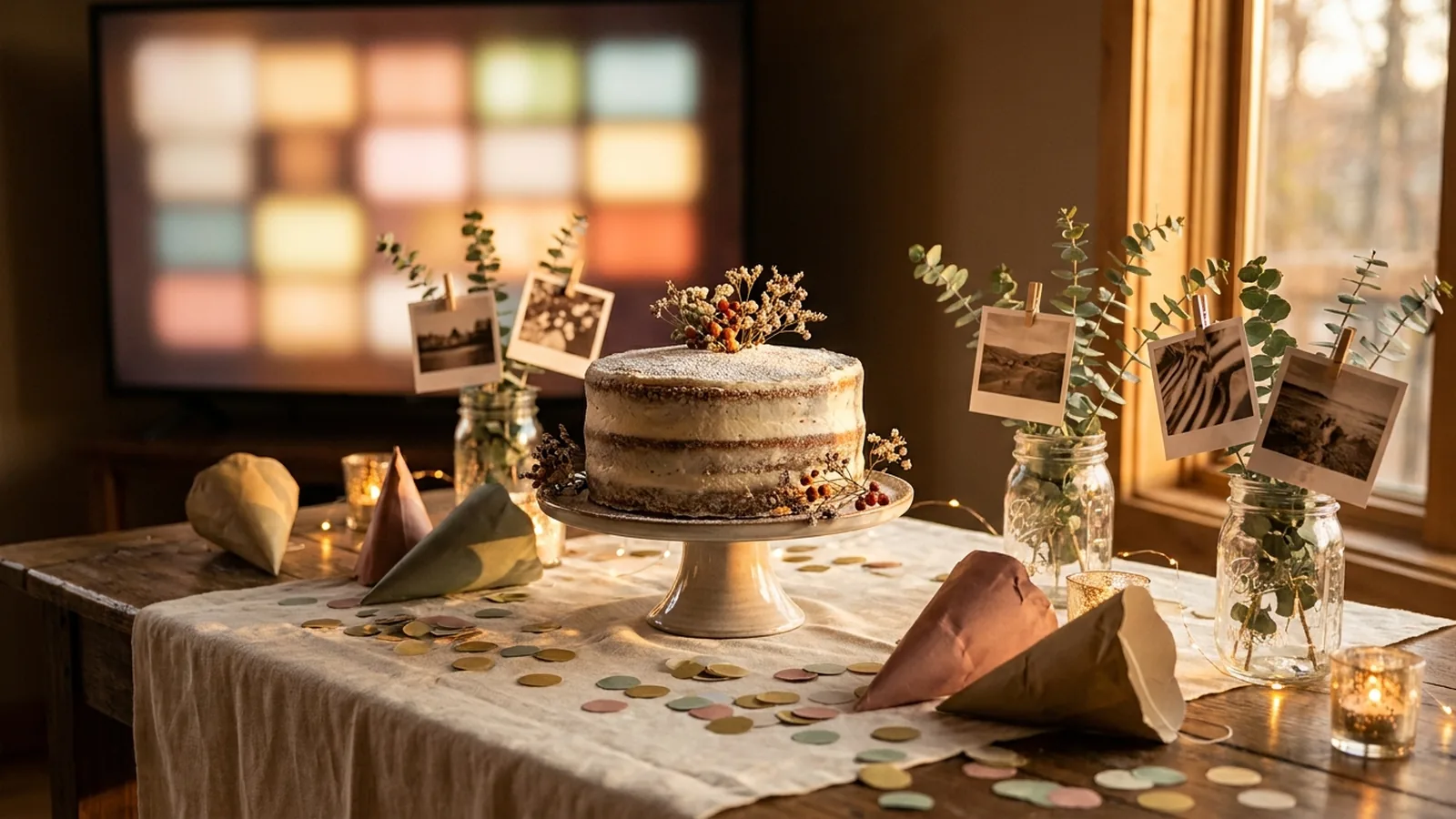
String a line between two points and hang photos of each parent in age order with small clips, alternating sides. Guests walk the line and naturally compare the two childhoods. Keep it at eye level and light it if the room is dim.
2. Framed centerpieces
Place a framed baby photo of a parent at the center of each table, surrounded by small flowers or candles that match the theme. Every table gets a different photo, which gives guests a reason to walk around and look.
3. Then-and-now pairs
Pair a childhood photo of each parent with a recent one in the same frame. The format is compact, it works on a welcome table, and it immediately tells guests whose stories are being told.
4. A photo wall or backdrop
Cover a feature wall or the area behind the cake table with a grid of prints. It doubles as the photo backdrop for the shower, so guest pictures taken during the party will include the parents' childhoods behind them.
5. Guess-who game cards
Number the photos and let guests guess which parent, which age, or which year. A small prize for the most correct guesses turns the display into an activity that works for every generation in the room.
6. Scanned polaroid-style prints
Scanning older prints into a uniform polaroid template makes mismatched photos from different decades feel like one collection. Hang them from ribbon or lace, or scatter them along the dessert table.
7. A memory table
Reserve one table for childhood photos, small keepsakes, and a card inviting guests to write a wish or a memory of their own baby photos. It gives older relatives a quiet corner of the party that belongs to them.
8. Photo place cards
Attach a tiny baby photo of the guest themselves—collected from them before the shower—to their place setting. Guests hunt for their own seat and the table turns into a guess-who game on its own.
9. A pre-built slideshow on the room's screen
If the venue has a TV, run a slow, simple slideshow of the childhood photos during arrival and food. Keep it ambient—no music sync, no captions to read from across the room—and let it loop quietly in the background.
Collect and display guest photos live during the shower
The printed displays are finished before anyone arrives. The live display is the one that grows. It starts with the same childhood photos as its opening sequence, then adds the photos guests take during the shower, in the room, while everyone watches.
The mechanism is a QR code that opens an upload page in each guest's phone browser. Guests scan it with the camera they already use, choose photos from their camera roll, and the display picks them up. No group chat, no app installs, no collecting phones.
Phone-camera reference: Apple iPhone QR scanning.
Set it up in five steps
- Create the event gallery a few days early and load the childhood photos as the opening sequence, so the screen is never empty.
- Generate the QR code and keep a clear margin around it; DENSO WAVE, the company behind the QR Code, calls that margin the quiet zone and recommends leaving it unobstructed.
- Print several small signs with the code and one short instruction, such as “Scan to add your photos to the slideshow.”
- Test the final printed sign on at least one iPhone and one Android phone, and complete an upload on each.
- Connect a laptop or compatible browser device to the room's TV or projector and start the slideshow before guests arrive.
QR design reference: DENSO WAVE guidance on QR Code quiet zones.
Android-camera reference: Google Lens image and object search.
Where the QR signs and the screen go
- Welcome table: guests meet the code before they meet the buffet.
- Gift table: the moment people are already photographing.
- Dessert or drink station: guests pause here with a free hand.
- Each dining table: small tent cards reach seated guests during food and games.
- Beside the display: guests see the screen, scan, and watch their photo join it.
- The invitation or group message before the shower, so remote family can follow along and add old photos too.
Put the screen where guests can glance at it without rearranging the party. A corner position at seated height works better than the middle of a wall people stand against. If the shower has a scheduled moment—games, gift opening—angle the screen so it stays visible from where people will actually sit.
Privacy, comfort, and photos of children
A baby shower display mixes photos of minors, childhood photos the parents may not have seen in decades, and guests who did not agree to be photographed. A few decisions made early keep it comfortable for everyone.
- Ask the parents-to-be before displaying any childhood photo, especially anything they might find unflattering or private.
- Check with grandparents before using photos of relatives who have passed; some families want them included, others do not.
- Say on the sign or invitation whether the gallery is viewable by anyone with the link, so guests can make their own choice about photos of their children.
- Know whether uploads appear immediately or wait for host approval, and who can remove a photo mid-party.
- Keep the host controls with one trusted person—the host should not be moderating a screen during games.
- Remember the gallery is an event collection, not permanent storage; remind everyone to save what they want before access closes.
Baby shower photo display checklist
- Collect five to ten childhood photos of each parent and confirm they are happy to display them.
- Choose one printed format—clothesline, frames, or photo wall—and build it before the shower.
- Create the event gallery and load the childhood photos as the opening sequence.
- Generate the QR code, keep its quiet zone clear, and print several small signs.
- Test the printed sign on one iPhone and one Android phone.
- Connect the TV or projector, preview portrait and landscape crops, and secure the cables.
- Start the slideshow before guests arrive so the screen is never blank.
- Announce the code once at welcome and once before gift opening.
- After the shower, download the photos guests added and remind them to save their favorites.
How Momently handles the live side
Momently gives a baby shower one guest link and QR code. Guests open a phone-first upload page in their browser—no app download, no account—and their photos join the same gallery the childhood photos live in. The host chooses the opening sequence, guest photos follow in a fair shuffle, and the whole story loops on the room's screen for as long as the shower runs.
Hosts can pause new uploads, remove individual photos, and configure how the player behaves on the display. Photos are stored as private objects and served through temporary signed links. On supported browsers, guest images are resized and converted before upload, which normally removes embedded location metadata, and HEIC or HEIF photos from iPhones are always converted to JPEG in the browser first.
The simplest setup that does both jobs
Pick one printed display—frames or a clothesline, whichever matches the room—and give it five to ten photos of each parent as babies. Put the same childhood photos on a live slideshow as the opening sequence, hand guests one QR code, and let the shower add its own photos to the wall as it happens. The printed layer honors where the baby comes from; the live layer captures the day everyone came to celebrate. A baby shower with both ends up with something no single display can produce: the whole story in one place.
Questions event hosts ask
How do I display baby photos at a baby shower without a projector?
Use printed formats that stand on their own: a timeline clothesline, framed centerpieces, a photo wall behind the cake table, or place cards with guests' own baby photos. If the room has a TV, a browser-based slideshow adds a live layer without any projection equipment.
Can I show baby shower photos on a TV during the party?
Yes. Connect a laptop or compatible browser device to the TV and run a web slideshow player. Start it with a childhood-photo sequence so the screen is never empty, and let guest photos join live if the gallery supports QR-code uploads. Test the internet connection and preview both portrait and landscape crops before guests arrive.
How many baby photos should I display?
Aim for five to ten photos of each parent rather than a complete archive. Selective displays read as intentional and give guests time to actually look. If a live screen is running the same photos as its opening sequence, keep that sequence even shorter—ten to fifteen photos is usually enough before guest photos take over.
How do guests add their photos to the display?
Print a QR code that opens a browser upload page. Guests scan it with their phone camera, tap the link, and choose photos from their camera roll—no app or account needed. Put the code where guests pause, like the welcome table, gift table, and dessert station, and announce it once at the start.