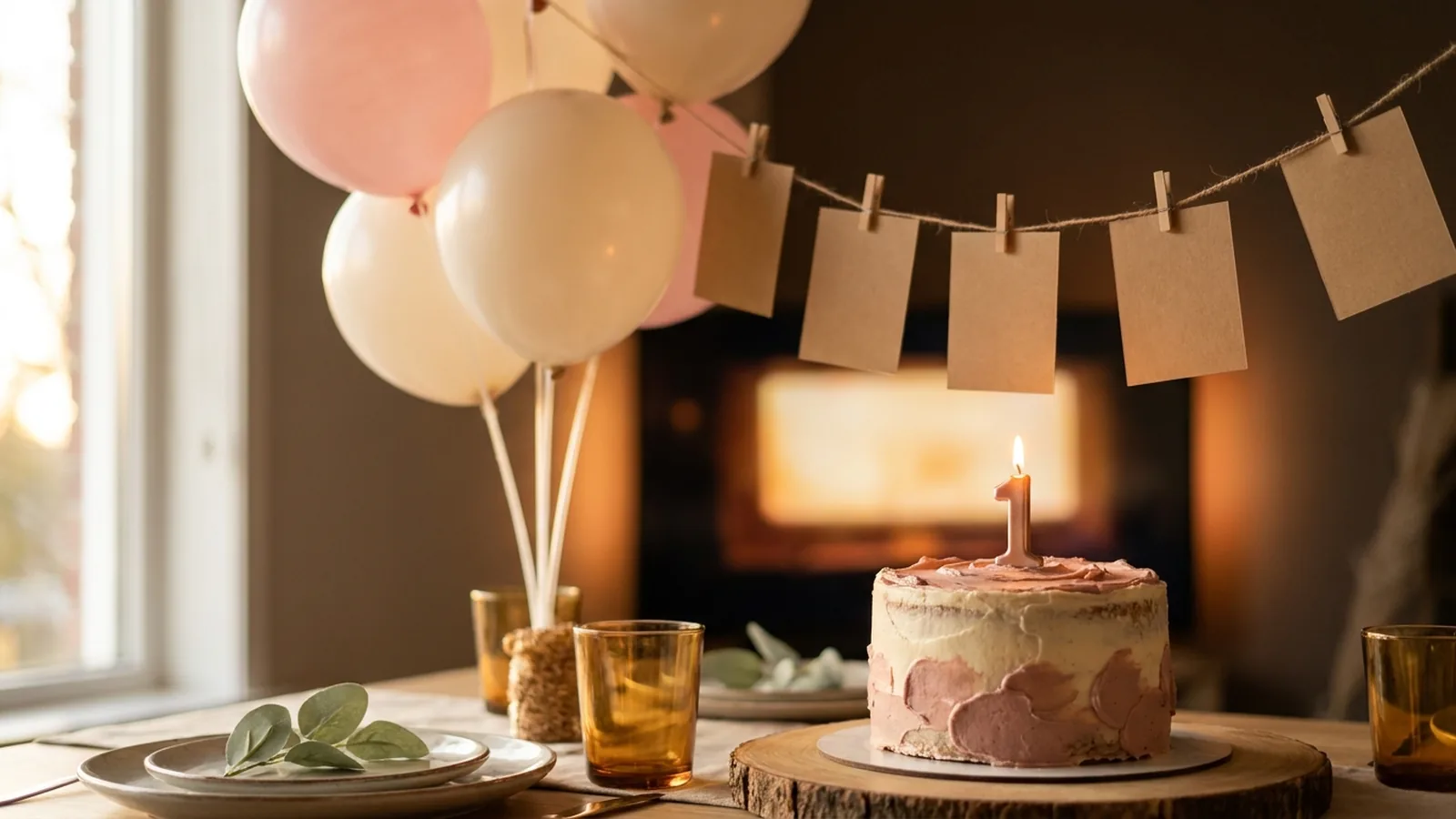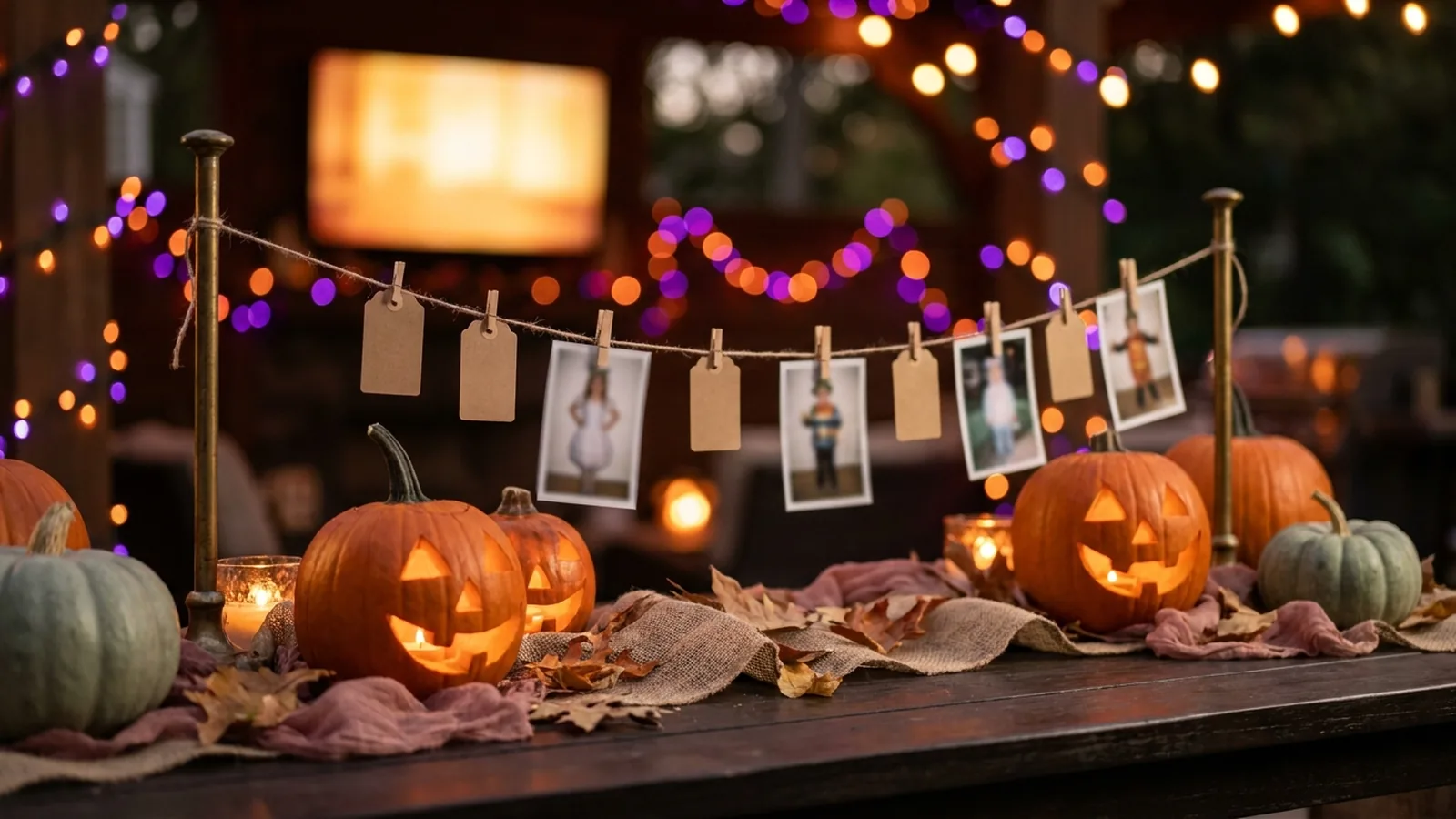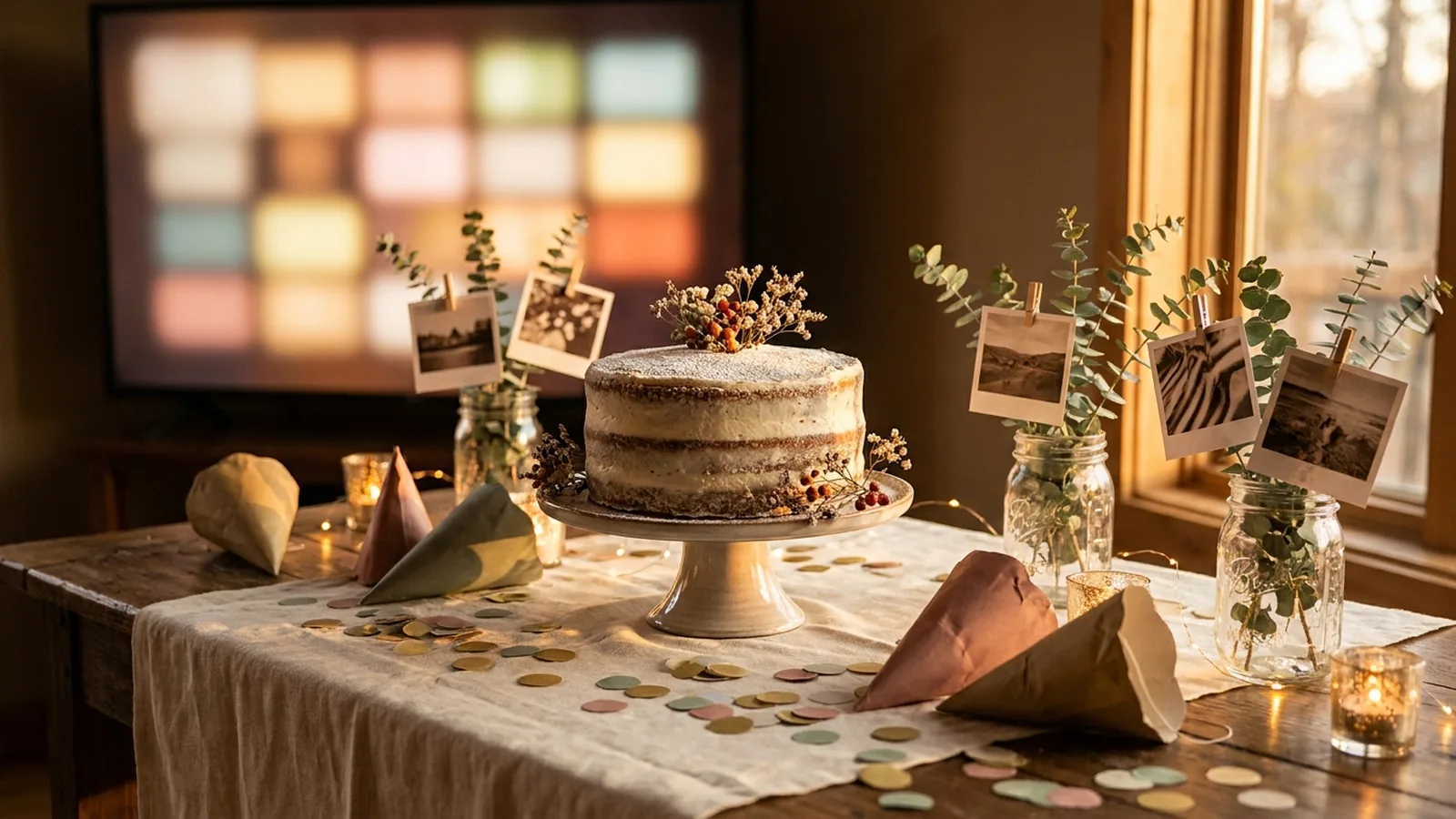
Photos are the cheapest decoration at a birthday party, and the most personal. A wall of the birthday person's pictures gives guests something to talk about before the cake even appears — and the photos guests take during the party are usually better than anything the host, busy running the event, could shoot. The strongest displays use both layers: printed photos you choose in advance, and a live slideshow the party fills in on its own.
The best birthday party photo displays pair one printed format — a photo timeline, framed centerpieces, a balloon-and-photo garland, or a photo wall behind the cake table — with a live digital slideshow on the room's TV or screen. Load the printed photos as the slideshow's opening sequence, then let guests add the pictures they take through a QR code during the party, so the display grows all night.
Continue with First Birthday Photo Display Ideas or Halloween Party Photo Display Ideas or Anniversary Party Photo Display Ideas.
The two layers of a great birthday photo display
Most birthday party photo display ideas cover only printed formats: clotheslines, frames, collages. Those are the layer guests look at. The second layer, newer and easier to miss, is a live screen that shows the photos guests are taking while they take them. Together they do different jobs.
| Layer | What it is | What it does for the party |
|---|---|---|
| Printed displays | Photos you select and print in advance — timelines, frames, garlands, walls | Decorates the room, starts conversations, and shows the birthday person's whole story |
| Live guest slideshow | A screen running the same photos as an opening, then adding guest uploads live | Captures the party itself, gives guests a reason to participate, and ends with photos the host never had to chase |
Ten printed birthday party photo display ideas
These formats work with photos you collect before the party. Aim for ten to twenty pictures spanning the birthday person's life rather than every photo the family can find — selective displays read as intentional, exhaustive ones read as clutter.
1. A photo timeline of every year
String photos in chronological order along a wall or across twine, one or two per year for a child or per decade for an adult. Guests walk the line and find the years they were part of. It is the single most reliable conversation starter on this list.
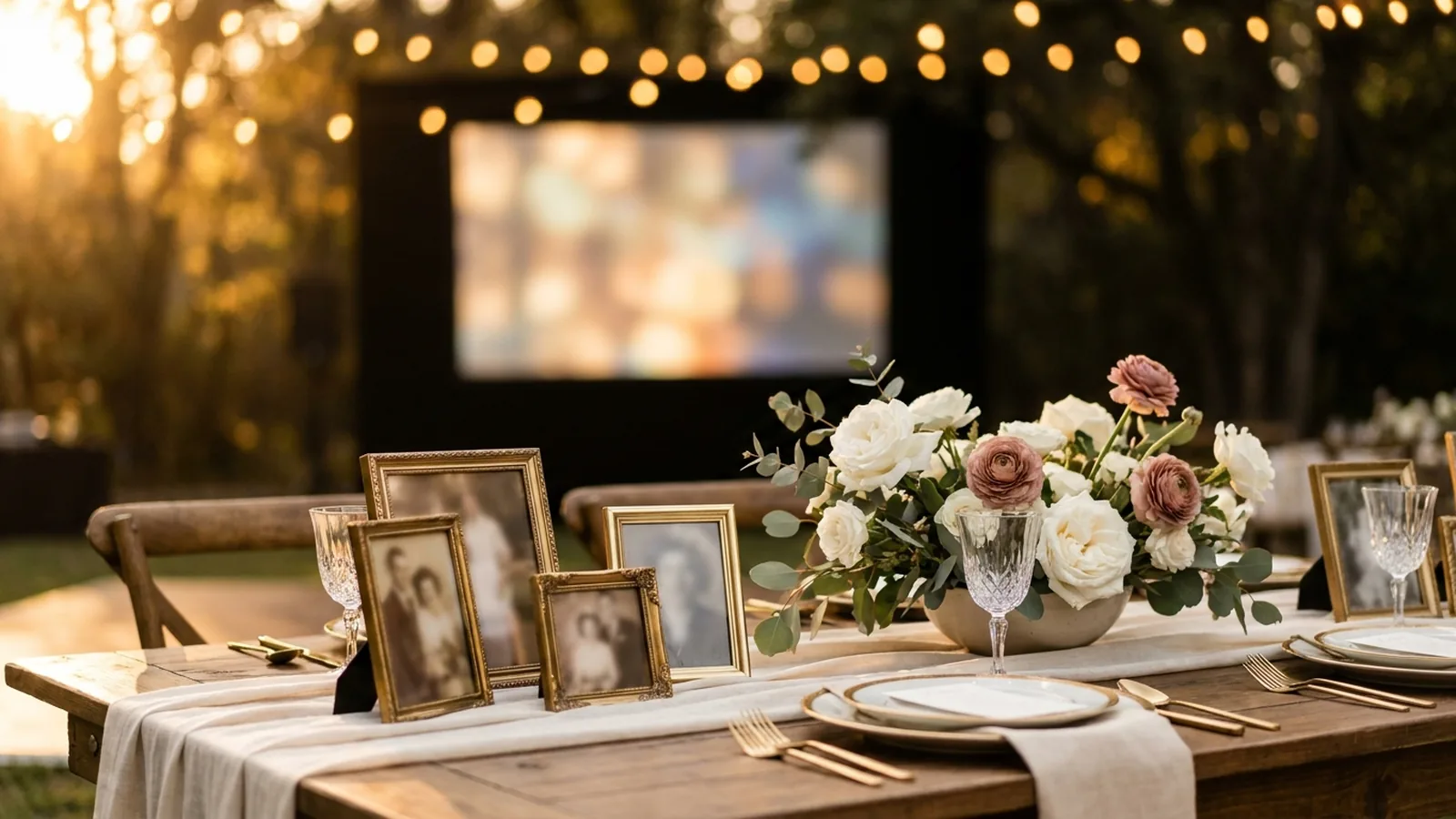
2. Framed centerpieces
Put a framed photo at the center of each table — a different year or chapter at each one. Guests seated together discover the format quickly, and the frames go home with the family afterward.
3. A photo wall behind the cake table
Cover a feature wall with a grid of prints at staggered heights. It doubles as the backdrop for every photo taken at the cake moment, so the birthday person's whole story appears behind the party's main event.
4. Balloon-and-photo garland
Weave printed photos into a balloon garland with ribbon or clips. The balloons carry the celebration; the photos carry the person. Works equally well for a first birthday and a fiftieth.
5. Then-and-now pairs
Pair a childhood photo with a matching recent one — same pose, same chair, same grin. Compact, funny, and easy to mount on a single board when wall space is limited.
6. A number filled with photos
Cut or buy a large numeral — 1, 16, 21, 30, 50 — and fill it with a collage of small prints. It announces the milestone and shows the story at the same time.
7. Guess-the-year game cards
Number the displayed photos and hand guests a card to guess the year, the age, or the story behind each one. The display becomes an activity that works for mixed ages, with a small prize for the best guesses.
8. Hanging photo strings with fairy lights
Twine, small clips, and warm string lights soften any venue, and the format scales from ten photos to sixty. It also handles mismatched print sizes gracefully — everything hangs at the same height.
9. Photo place cards
Attach a tiny photo of each guest — collected from them beforehand — to their place setting. Guests hunt for their own seat, and the table turns into a guess-who game before dinner starts.
10. A memory table for milestone years
Reserve one table for printed photos plus keepsakes: ticket stubs, team badges, a favorite hat, a retirement roster. It gives older relatives and longtime friends a corner of the party that belongs to their chapter of the story.
Add a live slideshow that grows during the party
The printed layer is finished before anyone arrives. The live layer is the one that grows. It starts with the same photos you printed — loaded as the slideshow's opening sequence — and then adds the photos guests take during the party, on the screen, while everyone watches.
The mechanism is a QR code on a small sign that opens an upload page in each guest's phone browser. Guests scan it with the camera they already use, pick photos from their camera roll or take a new one, and the display picks them up. No group chat, no collecting phones at the door.
Phone-camera reference: Apple iPhone QR scanning.
Android-camera reference: Google Lens image and object search.
Set it up in five steps
- Create the event gallery a few days early and load your chosen photos as the opening sequence, so the screen is never empty.
- Generate the QR code and keep a clear margin around it; DENSO WAVE, the company behind the QR Code, calls that margin the quiet zone and recommends leaving it unobstructed.
- Print several small signs with the code and one short instruction, such as “Scan to add your photos to the party slideshow.”
- Test the final printed sign on at least one iPhone and one Android phone, and complete an upload on each.
- Connect a laptop or compatible browser device to the room's TV or projector and start the slideshow before guests arrive.
QR design reference: DENSO WAVE guidance on QR Code quiet zones.
Match the display to the birthday
| Birthday | Printed layer that works hardest | Live layer that works hardest |
|---|---|---|
| First birthday | Photo timeline of month one to twelve; a number 1 filled with prints | Guests upload candids all afternoon; the parents end up with far more of the day than they could shoot |
| Kids and teens | Then-and-now pairs, guess-the-year cards, a photo wall that doubles as a selfie backdrop | Friends add party photos live; the host can remove anything unkind with the private controls |
| Milestone adults (30, 40, 50+) | Decade timeline, memory table, framed centerpieces by chapter | Old friends add archived photos from their camera rolls; the slideshow becomes a rolling reunion |
| Surprise parties | Photo wall behind the entrance for the reveal moment | Capture the reveal itself live — guests upload it seconds after it happens |
Where the photos, signs, and screen go
- Welcome or gift table: guests meet the QR code before they meet the buffet.
- Cake table: the wall behind it is the party's natural photo backdrop.
- Dining tables: small tent-card codes reach seated guests during food.
- Beside the display: guests see the screen, scan, and watch their photo join it.
- The invitation or group message before the party, so distant family can follow the slideshow too.
Privacy, kids, and the screen
- Say on the sign or invitation whether the gallery is viewable by anyone with the link, so guests can make their own choice about photos of their children.
- For children's parties, keep the display where the host can see it, and know how to pause uploads or remove a photo mid-party.
- Ask before displaying childhood photos the birthday person might find embarrassing — milestone parties amplify everything.
- Treat the gallery as an event collection, not permanent storage; download what you want to keep before the access window closes.
Birthday party photo display checklist
- Collect ten to twenty photos spanning the birthday person's life and confirm they are happy to display them.
- Choose one printed format and build it before the party.
- Create the event gallery and load the same photos as the opening sequence.
- Generate the QR code, keep its quiet zone clear, and print several small signs.
- Test the printed sign on one iPhone and one Android phone.
- Connect the TV or projector, preview portrait and landscape crops, and secure the cables.
- Start the slideshow before guests arrive so the screen is never blank.
- Announce the code once at welcome and once before cake.
- After the party, download the guest photos and share the best ones back.
How Momently handles the live side
Momently gives a birthday party one guest link and QR code. Guests open a phone-first upload page in their browser — no app download, no account — and their photos join the same gallery as the opening sequence. The host's chosen photos play first, guest photos follow in a fair shuffle, and the whole story loops on the room's screen for as long as the party runs.
Hosts can pause new uploads, remove individual photos, and configure how the player behaves on the display. Photos are stored as private objects and served through temporary signed links. On supported browsers, guest images are resized and converted before upload, which normally removes embedded location metadata, and HEIC or HEIF photos from iPhones are always converted to JPEG in the browser first.
The simplest setup that does both jobs
Pick one printed format that matches the room — a timeline if the story spans decades, framed centerpieces if the party is a dinner — and give it ten to twenty photos. Put the same photos on a live slideshow as the opening sequence, hand guests one QR code, and let the party add its own photos to the screen as it happens. The printed layer honors the birthday person's whole story; the live layer captures the day everyone came to celebrate. A party with both ends the night with something no single display can produce: the whole story, and the party that just happened, in one place.
Questions event hosts ask
What is the best way to display photos at a birthday party?
Combine one printed display — a photo timeline, framed centerpieces, a photo wall behind the cake table, or a balloon-and-photo garland — with a live slideshow on the room's TV. The printed photos decorate and start conversations; the live slideshow collects the photos guests take during the party so you end the night with far more than you could shoot yourself.
How do I display photos at a birthday party without a projector?
Use printed formats that stand on their own: a photo timeline on twine, framed centerpieces on each table, a number filled with photo prints, or a photo wall behind the cake table. If the room has a TV, a browser-based slideshow adds the live layer without any projection equipment.
How can guests add their birthday party photos to a display?
Print a QR code that opens a browser upload page. Guests scan it with their phone camera, tap the link, and choose photos from their camera roll — no app or account needed. Put the code where guests pause, like the welcome table, cake table, and dining tables, and mention it once at the start.
How many photos should a birthday display include?
Keep printed displays selective — roughly ten to twenty photographs spanning the birthday person's life — so each one actually gets looked at. A live slideshow can hold more, but a short curated opening sequence reads better than an unedited archive before the guest photos start arriving.
Is a photo booth or a live slideshow better for a birthday party?
They do different jobs and work well together. A photo booth produces posed pictures at one spot; a live slideshow collects candid photos from everywhere at the party. If you choose one, the live slideshow needs no props, no attendant, and captures the whole room instead of one corner.