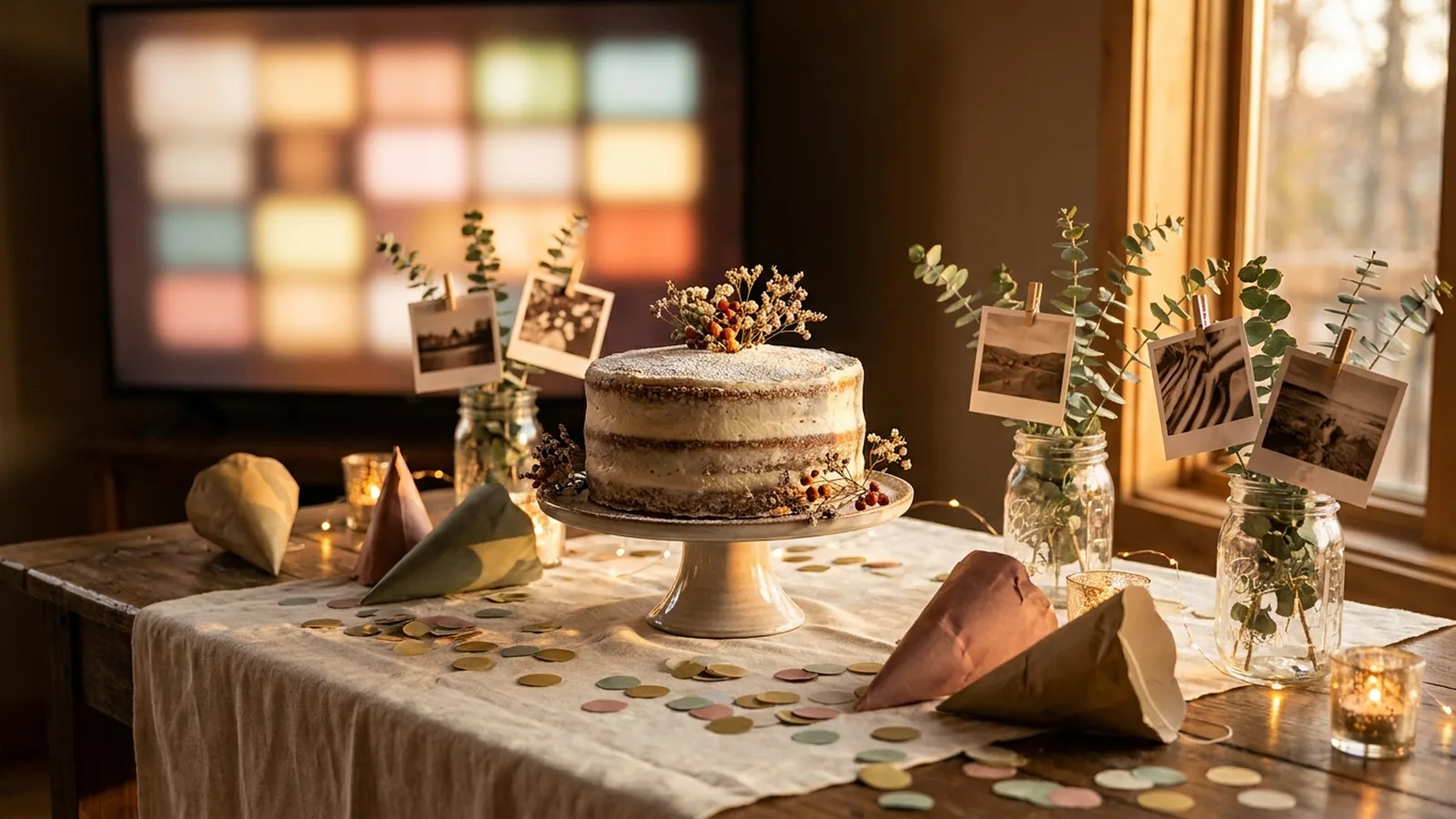
A first birthday is the one party where the guest of honor cannot remember any of it. The photos are the whole point: twelve months of firsts, compressed into an afternoon, watched by the people who were there for all of it. Parents, grandparents, and everyone who babysat once will look at a month-by-month display and see a year they helped build. The best first birthday photo displays do two jobs at once. They show the baby's first year in photos chosen ahead of time, and they collect the candid pictures guests take during the party itself — the smash-cake moment, the grandparents' faces, the toddler cousins — which is the part of the day the parents are too busy to photograph.
The best first birthday photo displays pair one printed format — a month-by-month timeline, a framed first year board, or a highchair banner — with a live slideshow on the room's TV or screen. Load the monthly photos as the slideshow's opening sequence, then give guests a QR code so the candid photos they take during the party join the display while it happens. The parents end the day with the whole year and the whole party in one place.
Continue with Birthday Party Photo Display Ideas or How to Display Baby Photos at a Baby Shower or Celebration of Life Photo Display Ideas.
The two layers of a first birthday photo display
Most first birthday photo display ideas cover the printed layer: monthly photo boards, banners, frames. That layer is genuinely the heart of the party, because it is the only one that can show the whole year at once. But it is finished before the first guest arrives, and it cannot capture the party itself. The second layer, a live screen that shows guest photos as they are taken, handles the part the printed display cannot.
| Layer | What it is | What it does for the party |
|---|---|---|
| Printed first-year display | Photos you choose and print in advance — monthly timelines, milestone boards, highchair banners | Shows the baby's whole first year, decorates the room, and gives grandparents and relatives the story at a glance |
| Live guest slideshow | A screen that opens with the same monthly photos, then adds guest photos during the party | Captures the party itself — smash cake, reactions, cousins — and leaves the parents with candids they never could have shot |
Nine printed first birthday photo display ideas
These formats use photos gathered before the party. One photo per month is the convention most displays follow — twelve prints, birth to first birthday — because it reads as a complete year without demanding that guests study thirty photos. Add milestone shots sparingly; a selective display gets looked at, an exhaustive one gets skimmed.
1. A month-by-month timeline
Print one photo for each month, month one through twelve, and hang them in order along a wall, a length of twine, or a staircase rail. Guests walk the line and say "look how tiny" at the start and "look how big" at the end. It is the single most reliable conversation starter at a first birthday, and it photographs beautifully when guests take pictures of the display itself.
2. A framed first-year board
Mount twelve prints in a grid on one large board — cork, foam, or a picture ledge — often with the baby's name and birthdate as a header. The format lives on the nursery wall after the party, which makes it the one display idea that is also a keepsake. Retailers sell ready-made first-year boards if building one is not a project you want.
3. A highchair banner
String small prints across the front of the highchair where the smash cake happens. Every photo of the cake moment — and there will be many — carries the baby's whole first year behind it. Use a banner that can be wiped clean, because frosting travels.
4. A large number one filled with photos
Cut or buy a big numeral one and fill its outline with a collage of small prints from the year. It announces the milestone and shows the story in the same object, and it works as a backdrop for family photos all afternoon.
5. Monthly milestone cards or stickers
If you followed the monthly-photo-with-sticker convention at home, print those shots with the month cards visible. Guests who received monthly photo texts all year finally see the full set in one place, and the consistency reads as intentional design rather than repetition.
6. A photo guest book
Leave a book of blank pages, a basket of prints from the year, and tape or glue sticks on the memory table. Guests pick a photo, tape it in, and write a note beside it. By the end of the party the baby has a book from every person who came, built while the party happened.
7. Then-and-there pairs
Pair a photo of the parents holding the newborn with a matching photo of them holding the one-year-old — same pose, same chair if possible. Compact, emotional, and easy to mount on a single board when wall space is limited.
8. A growing-up guessing display
Print baby photos of the adult guests — the parents, aunts, uncles, grandparents — alongside unlabeled baby photos of the birthday baby, and let guests guess who is who. It turns the display into an activity that works for every generation at the party.
9. A firsts table
Reserve one table for photos of the year's firsts — first smile, first tooth, first steps, first birthday — each with a small handwritten label. Add a physical object or two, like the first pair of shoes or the hospital hat, and it becomes the corner of the party where relatives linger longest.
Add a live slideshow that grows during the party
The printed layer is complete before anyone arrives. The live layer is the one that grows. It opens with the same twelve monthly photos — loaded as the slideshow's opening sequence — and then adds the photos guests take during the party, on the screen, while everyone watches.
The mechanism is a QR code on a small sign that opens an upload page in each guest's phone browser. Guests scan it with the camera they already use, pick photos from their camera roll or take a new one, and the display picks them up. No group text to join, no app to install, no collecting phones at the door.
Phone-camera reference: Apple iPhone QR scanning.
Android-camera reference: Google Lens image and object search.
Set it up in five steps
- Create the event gallery a few days early and load the twelve monthly photos as the opening sequence, so the screen is never empty.
- Generate the QR code and keep a clear margin around it; DENSO WAVE, the company behind the QR Code, calls that margin the quiet zone and recommends leaving it unobstructed.
- Print several small signs with the code and one short instruction, such as "Scan to add your photos of the birthday girl."
- Test the final printed sign on at least one iPhone and one Android phone, and complete an upload on each.
- Connect a laptop or compatible browser device to the room's TV or projector and start the slideshow before guests arrive.
QR design reference: DENSO WAVE guidance on QR Code quiet zones.
Get the monthly photos you do not have
Most parents have hundreds of photos of month one and a gap somewhere in months eight through eleven, when the baby got fast and the camera roll got chaotic. Two or three weeks before the party:
- Ask the people who were there. Grandparents, daycare teachers, and the weekly babysitter often hold exactly the months that are missing from the parents' camera roll.
- Check shared family albums and the group chat — a relative's favorite candid of month nine may already exist.
- Photograph physical prints and screenshots from video calls rather than skipping a month; on a timeline, an imperfect photo beats a gap.
- Choose prints for how the year reads, not for quality — the blurry first-steps photo is usually the one everyone remembers.
Where the screen, signs, and smash cake go
A first birthday runs on a short schedule around naps and cake. Place the display elements where guests already pause:
- Welcome or gift table: guests meet the QR code while their hands are still free.
- Cake table: the wall behind it is the party's natural photo backdrop, and the highchair banner lives here.
- The screen: off to the side of the main room, visible from seating, so guests can watch the slideshow grow without blocking the smash-cake audience.
- Memory or firsts table: the guessing display and guest book sit here with the printed timeline.
- The invitation or family group chat before the party, so relatives who cannot attend can still follow the slideshow.
Privacy, babies, and the screen
- Say on the sign or invitation whether the gallery is viewable by anyone with the link, so guests can make their own choice about photos that include their own children.
- Keep the screen where the host can see it, and know how to pause uploads or remove a photo mid-party; toddler cousins and group photos deserve a second look.
- Ask before displaying birth photos or NICU pictures — meaningful to the parents, but not every family wants them public at a party.
- Treat the gallery as an event collection, not permanent storage; download what you want to keep before the access window closes.
First birthday photo display checklist
- Collect one photo per month, birth through first birthday, and fill any gap months from relatives' phones.
- Choose one printed format and build it before party week.
- Create the event gallery and load the same monthly photos as the opening sequence.
- Generate the QR code, keep its quiet zone clear, and print several small signs.
- Test the printed sign on one iPhone and one Android phone.
- Connect the TV or projector, preview portrait and landscape crops, and secure the cables away from toddlers.
- Start the slideshow before guests arrive so the screen is never blank.
- Announce the code once at welcome and once before cake.
- After the party, download the guest photos and share the best ones back to the family chat.
How Momently handles the live side
Momently gives a first birthday party one guest link and QR code. Guests open a phone-first upload page in their browser — no app download, no account — and their photos join the same gallery as the monthly opening sequence. The parents' chosen photos play first, guest photos follow in a fair shuffle, and the whole year plus the party loops on the room's screen for as long as the celebration runs.
Hosts can pause new uploads, remove individual photos, and configure how the player behaves on the display. Photos are stored as private objects and served through temporary signed links. On supported browsers, guest images are resized and converted before upload, which normally removes embedded location metadata, and HEIC or HEIF photos from iPhones are always converted to JPEG in the browser first.
The simplest setup that does both jobs
Print twelve photos, one per month, and hang them in order — that alone is a complete first-year display and the thing grandparents will photograph most. Put the same twelve photos on a live slideshow as the opening sequence, hand guests one QR code, and let the party add its own photos to the screen as it happens. The printed layer shows the year everyone came to celebrate; the live layer captures the day itself. Together they end the afternoon with something no single display can produce: the baby's whole first year, and the party that closed it, in one place.
Questions event hosts ask
What is the best way to display photos at a first birthday party?
Pair one printed first-year format — a month-by-month timeline, a framed first-year board, or a highchair banner — with a live slideshow on the room's TV. The printed photos show the baby's whole year at a glance; the live slideshow collects the candid photos guests take during the party so the parents end the day with far more than they could shoot themselves.
How many photos should a first birthday display include?
Follow the one-photo-per-month convention: twelve prints, birth through first birthday. A selective timeline gets read start to finish; an exhaustive archive gets skimmed. If you want more, add a small firsts section or a guessing display rather than doubling the timeline.
How can guests add their photos to the display during the party?
Print a QR code that opens a browser upload page. Guests scan it with their phone camera, tap the link, and choose photos from their camera roll — no app or account needed. Put the code where guests pause, like the welcome table and the cake table, and mention it once before cake.
Where should the photo display go at a first birthday?
The printed timeline or board goes where guests walk past it — near the entrance or the food. The highchair banner goes on the highchair for the smash cake. The live slideshow screen goes off to the side of the main room, visible from seating but not blocking the cake moment's audience.
How do I fill a missing month in the baby's first-year photos?
Ask the people who were there — grandparents, daycare teachers, and babysitters often hold exactly the missing months. Check shared family albums and the group chat. And an imperfect photo photographs fine on a timeline: photograph prints or screenshot video calls rather than leaving a gap.