Friendsgiving may be the most-photographed meal of the year, and the only one that never gets a photographer. Every phone at the table takes roughly the same overhead shot of the spread, and then the real photos scatter across a dozen camera rolls and a group chat nobody scrolls by Friday. A planned friendsgiving photoshoot fixes the first half: a short shot list you can actually finish between cooking and eating. A shared live slideshow fixes the second half — the photos your friends take end up on one screen during dessert instead of disappearing.
Plan a short friendsgiving photoshoot around the moments that only happen once: the full table before anyone serves, every dish with its cook, the gratitude round, one deliberate group photo in good light, and the leftovers assembly line. Then put a QR upload code on the table so photos your friends take all afternoon join a live slideshow on the TV during dessert.
Continue with Halloween Party Photo Display Ideas or Family Reunion Slideshow Ideas or Birthday Party Photo Display Ideas.
Why a Friendsgiving photoshoot is different from every other dinner party
Friendsgiving is a Thanksgiving meal celebrated with friends rather than (or alongside) family. Merriam-Webster first tracked the word in 2007 and added it to the dictionary in 2020, which is a formal way of saying it outgrew the group chat years ago.
Word-history reference: Merriam-Webster: friendsgiving.
What makes the photoshoot different is who is holding the cameras. A wedding hires a professional; a birthday at least has a guest of honor everyone points their phones at. Friendsgiving has neither. Instead it has the most camera-ready subject matter of the year — a table that took all day, dishes everyone is proud of, and people who only see each other a few times a year — and every single guest is already shooting it. The photos exist. They are just scattered across a dozen phones, and the host, the person who worked the hardest, usually has the fewest.
So a friendsgiving photoshoot is really two plans. One is a shot list short enough to finish: twelve specific photos, most taken by one designated person in under an hour. The other is a way to get everyone else's photos into the same place while the party is still happening. Most guides only cover the first plan. The second is the one that decides whether you ever see the pictures.
The 12-shot Friendsgiving photoshoot list
Assign these to one or two people so the host is never the photographer. The whole list takes under an hour spread across the day, and it captures the day in the order it actually happens.
1. The untouched table
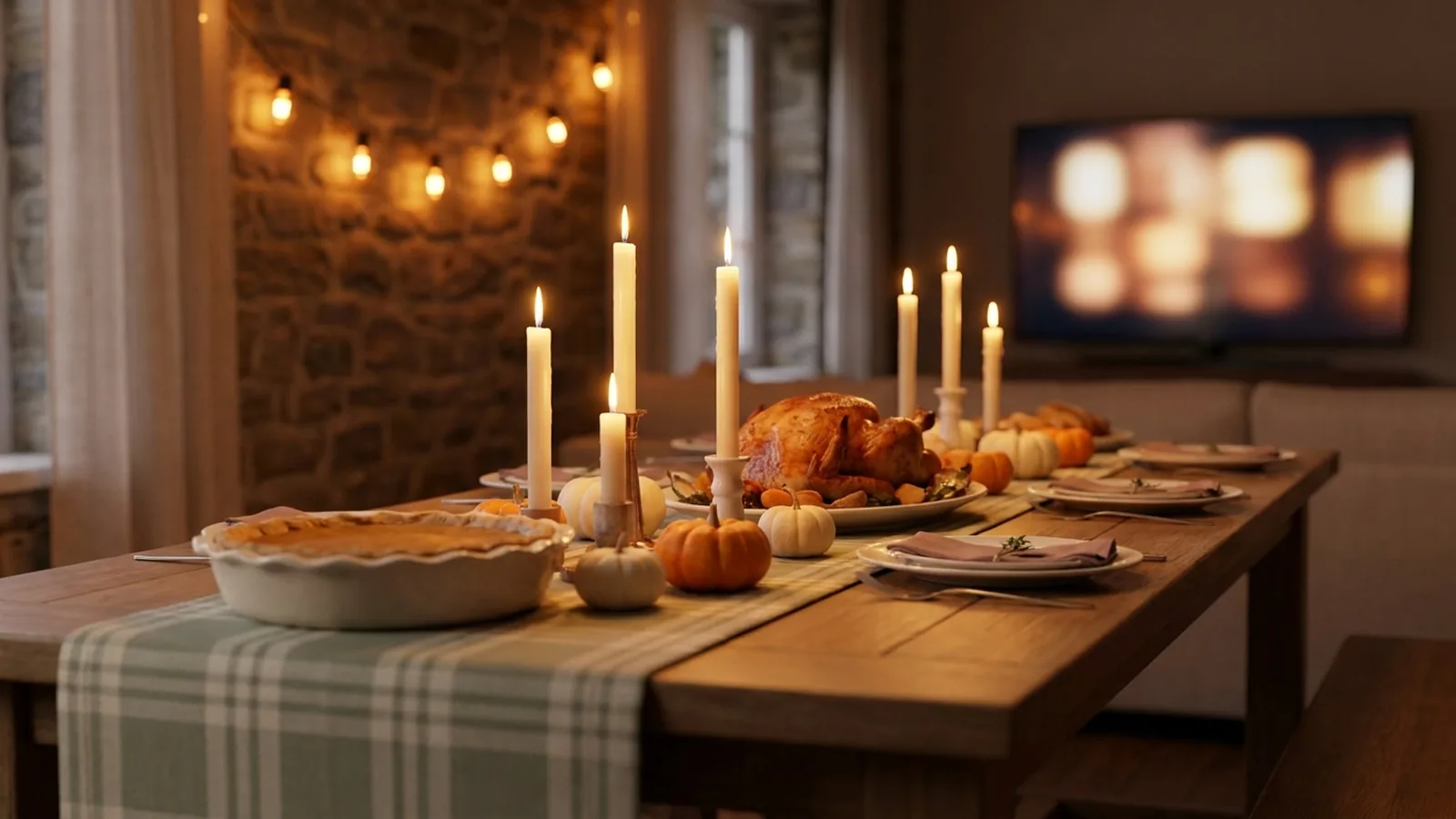
Take it in the ten minutes before anyone sits down — one wide shot from a chair, one straight overhead if you can stand on a step. It is the only moment the whole spread exists at once, and it is the photo everyone will compare their own plate against later.
2. Every dish with its cook
When the potluck lineup lands on the counter, photograph each dish next to the friend who made it. Friendsgiving is a competition nobody admits to running, and this becomes the official record of who brought the legendary mac and cheese — and what you need to ask them for the recipe.
3. The kitchen crew
The cooking is half the day and it never makes the album. Shoot whoever is basting, stirring, and tasting in the last hour before dinner — candid, from the doorway, no staging. These are usually the photos people actually want printed.
4. The gratitude round
As the table goes around saying what they are thankful for, work down the table with your phone and take one quiet photo of each person mid-thought. It is the warmest set of faces you will get all day, and it takes four minutes nobody notices.
5. One deliberate group photo
Before anyone sits down, when everyone is present and coats are still on. The full method is below — the short version is that it needs to be called before the first drink is poured, because after dinner nobody moves.
6. The golden-hour porch portrait
Twenty minutes before sunset, pull two or three people outside for portraits on the porch or the stoop. Late-November light is low and warm, and everyone looks better in it than in any kitchen. If your dinner is early, do this with whoever arrived first — the light does not wait for the bird.
7. The plaid-and-flannel lineup
Half your friends will show up in flannel whether or not you ask — it is the unofficial Friendsgiving dress code. Line up whoever matched and shoot it against the plainest wall you have. It is the easiest themed group shot of the year and it takes no setup at all.
8. The recipe heirloom
If anyone cooked from a handwritten card, lay the card next to the finished dish and shoot it flat. You get a detail photo for the album and, more usefully, you finally capture the actual recipe before the card is lost or borrowed permanently.
9. The pets (and the kids' table)
A dog working the floor under the table deserves a portrait, and so does whatever parallel-universe seating the younger guests have claimed. Shoot these at their height, not yours. Every Friendsgiving album needs at least one photo taken from below the tablecloth line.
10. The candle-and-centerpiece detail
One close shot of the centerpiece, candles, and place settings before the candles burn down. It is the texture shot that makes the overhead table photo make sense, and it doubles as next year's invitation background.
11. The couch-after
The hour after dinner — board games, football half-watched, everyone horizontal — is when the actual evening happens. Candids only, and no zooming: whoever lost the game will want the photo anyway in ten years.
12. The leftovers assembly line
Containers, foil, and the borrowed tupperware that may never go home. It is the funniest shot of the night and the one every other guide skips, because by then everyone thinks the photoshoot is over. It is also the photo that gets the biggest laugh when the slideshow plays.
| Moment | Shots | Who takes them |
|---|---|---|
| Before anyone sits down | Untouched table, group photo, porch portraits, flannel lineup, centerpiece | One designated early bird, before hosting duties take over |
| During the meal | Dish-and-cook lineup, kitchen crew, gratitude round, pets and kids' table | A rotating photographer who is done eating before the round starts |
| After dinner | Couch-after candids, leftovers assembly line | Anyone still awake — this half works best unassigned |
How to actually get one good group photo
- Call the shot before the meal, not after — the only window when every guest is present, vertical, and presentable is the ten minutes before people sit down.
- Face the group into the light, which means facing a window or stepping onto the porch. Backlit group photos are the most common Friendsgiving photo failure.
- Prop the phone on a shelf or a stack of cookbooks instead of handing it to someone: timer on, burst mode on, take ten shots, keep the one where nobody is mid-sentence.
- Rotate the duty. The person who took last year's group photo gets to be in this year's, and the host — who will otherwise take zero photos of the day — should never be the one holding the phone.
A ten-minute backdrop for the group shots
Pick the plainest wall in the apartment, hang one strand of autumn garland or string lights over it, and you are done. Put it wherever coats are dropped, because that is where people naturally gather and where natural light usually is. If you are running the QR upload sign described below, this wall is the right home for it — the backdrop is where phones come out anyway, and every group photo taken there can flow straight into the shared gallery.
The part every other photoshoot guide skips: getting the photos back
The shot list produces maybe twenty photos from one or two phones. The other two hundred photos of the day are on your friends' phones — the group shot from a better angle, the video of the gravy disaster, the candids you never saw happening. A group chat will not reunite them; half will forget by Friday and the rest will forget how to find the thread. What works is giving every guest one link while they are still in the room, and showing the result on a screen while people are still eating.
The mechanism is a QR code on a small sign that opens an upload page in each guest's phone browser. Friends scan it with the camera they already use, pick photos from their camera roll or take new ones, and the display picks them up — no app, no account, no collecting phones in a basket by the door. On the TV or projector, the screen opens with your shot-list photos as the opening sequence and then joins everything your friends upload, live, while dessert is being served.
Phone-camera reference: Apple iPhone QR scanning.
Android-camera reference: Google Lens image and object search.
Set it up in five steps
- Create the event gallery a day or two early and load your shot-list photos as the opening sequence, so the screen is never empty before guests arrive.
- Generate the QR code and keep a clear margin around it; DENSO WAVE, the company behind the QR Code, calls that margin the quiet zone and recommends leaving it unobstructed.
- Print one or two small signs with the code and a single line of instruction, such as "Scan to add your Friendsgiving photos."
- Test the printed sign on at least one iPhone and one Android phone, and complete a full upload on each before the day.
- Connect a laptop or compatible browser device to the TV or projector and start the slideshow before the first guest arrives.
QR design reference: DENSO WAVE guidance on QR Code quiet zones.
Match the shot list to your gathering
| Gathering | Shots that matter most | How the live screen fits |
|---|---|---|
| Small apartment dinner | Untouched table, gratitude round, porch portrait on the stoop | The TV is already the biggest thing in the room; prop the group-shot phone on the bookshelf and let dessert run on the slideshow |
| Big potluck house party | Dish-and-cook lineup, flannel lineup, couch-after | The backdrop wall earns its keep; the slideshow runs through the whole dessert hour while the dish photos cycle |
| Friendsgiving weekend away | Golden-hour porch portraits, kitchen crew, leftovers morning | The slideshow is a Saturday-night and Sunday-morning feature, not a Friday one — let the gallery fill first |
| The gathering with kids and pets | Pets under the table, kids' table at kid height | Children watching for their own photo to appear is the most reliable babysitting a screen has ever provided |
Ask before you post
- A shared gallery is viewable by anyone with the link, so say so on the sign or invitation — guests can then decide what they are comfortable contributing, especially photos that include other people's children.
- Ask before posting any identifiable friend to public social media; a shared Friendsgiving album is a between-friends artifact, not content.
- Keep the screen where the host can see it, and know how to remove a photo mid-party before anyone asks.
- Treat the gallery as an event collection, not permanent storage — download what you want to keep before the access window closes.
Friendsgiving photoshoot checklist
- Pick one or two photographers so the host never has to hold a phone.
- Walk the shot list against your guest count — trim it for six people, keep all twelve for fifteen.
- Set up the backdrop wall and the group-photo phone perch before anyone arrives.
- Create the event gallery and load the opening sequence.
- Generate the QR code, keep its quiet zone clear, and print the sign.
- Test the sign end to end on one iPhone and one Android phone.
- Connect the TV or projector and start the slideshow before the first guest lands.
- Call the group photo before the first drink is poured.
- After the weekend, download the full gallery and send the best shots back to the group chat — credited, this time, to the friends who took them.
How Momently handles the live side
Momently gives a Friendsgiving table one guest link and QR code. Friends open a phone-first upload page in their browser — no app download, no account — and their photos join the same gallery as your shot list. Your chosen photos play first, guest photos follow in a fair shuffle, and the whole day loops on the screen for as long as the party runs.
Hosts can pause new uploads, remove individual photos, and configure how the player behaves on the display. Photos are stored as private objects and served through temporary signed links. On supported browsers, guest images are resized and converted before upload, which normally removes embedded location metadata, and HEIC or HEIF photos from iPhones are always converted to JPEG in the browser first.
The simplest plan that works
Take the untouched table shot, call one group photo before anyone sits down, and assign the gratitude round to whoever finished eating first. Print one QR sign, put it by the backdrop wall, and let the slideshow run through dessert. The shot list gives you the dozen photos a Friendsgiving album actually needs; the live screen collects the two hundred you would never have seen. Between the two, the day's photos end up in one place — on the screen during dessert, and in one gallery afterward — instead of scattered across a group chat nobody opens twice.
Questions event hosts ask
What are the best Friendsgiving photoshoot ideas?
Build the shoot around moments that only happen once: the untouched table before serving, each dish photographed with its cook, the gratitude round, one deliberate group photo in window light, and the leftovers assembly line after dinner. Twelve shots is enough — assign them to one or two people so the host is never the photographer.
How do you take a good group photo at Friendsgiving?
Call the shot before the meal, when every guest is present and coats are still on. Face the group into a window or porch light, prop the phone on a shelf with the timer and burst mode on, and take ten shots instead of one. Rotate the duty yearly so last year's photographer gets to be in this year's photo.
How do I collect photos from everyone after Friendsgiving?
Give guests one QR link while they are still in the room. A printed code that opens a browser upload page lets friends add photos with no app or account, and everything lands in one shared gallery instead of a group chat. Announce it once at arrival and once before dessert, then download the gallery before the access window closes.
When should you do a Friendsgiving photoshoot?
Split it across the day. Table, group, and backdrop shots happen in the ten minutes before anyone sits down; the gratitude round and kitchen candids happen during the meal; porch portraits work best about twenty minutes before sunset. Leave the couch-after and leftovers shots unassigned — they are candids.
Can we show the photos on a TV during Friendsgiving dinner?
Yes. A browser-based slideshow can open with your planned shot-list photos as the opening sequence, then add guest photos as friends upload them from their phones, looping on the TV through dessert. Start it before guests arrive, test the QR sign on both phone platforms beforehand, and keep a helper near the host controls.